


Freight & Logistics
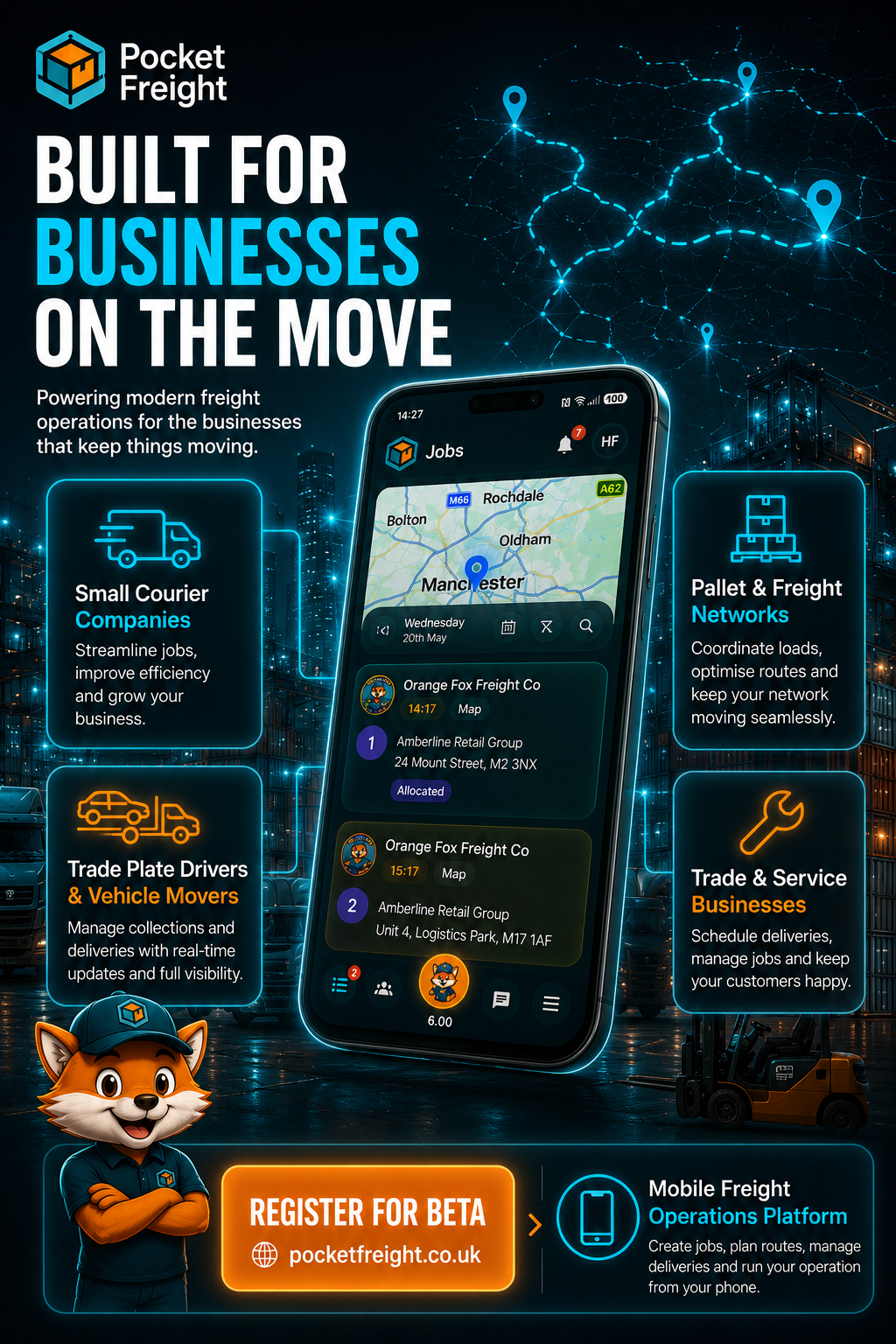
For teams collecting, transporting and delivering vehicles, pallets, parcels and custom cargo.
Pocket Freight brings job creation, products, services, team setup, route optimisation, job stages, proof of work, paperwork, invoicing, tracking, chat and operational dashboards into a single platform.
We are refining the iOS app ahead of its App Store release.

Transport, logistics and field service teams still spend too much time managing work through paper notes, phone calls, spreadsheets, manual invoicing and disconnected customer communication.
Pocket Freight turns those everyday tasks into a connected workflow so teams can manage the full operation from one platform.
Pocket Freight follows the natural order of a real mobile operation. Set up the team, configure the business, create jobs, add products and services, allocate work, complete stages or visits, generate paperwork and manage finance.
The platform is detailed enough for operational control but still simple enough to run from a phone.

Pocket Freight ships with configurable defaults for eleven service categories, while still letting every team tailor products, services, checklists and workflow options to match its own operation.
For teams collecting, transporting and delivering vehicles, pallets, parcels and custom cargo.
For mobile teams carrying out repairs, maintenance, cleaning, installation, clearance and specialist services.
Vehicles, pallets, parcels, materials, parts and custom items stay connected to the job.
Add service tasks, costs, durations, notes and service-specific checklist evidence.
Before jobs are created, teams can configure the building blocks that make the rest of the workflow faster. Defaults are already loaded, but each business can adjust these to match how they operate.

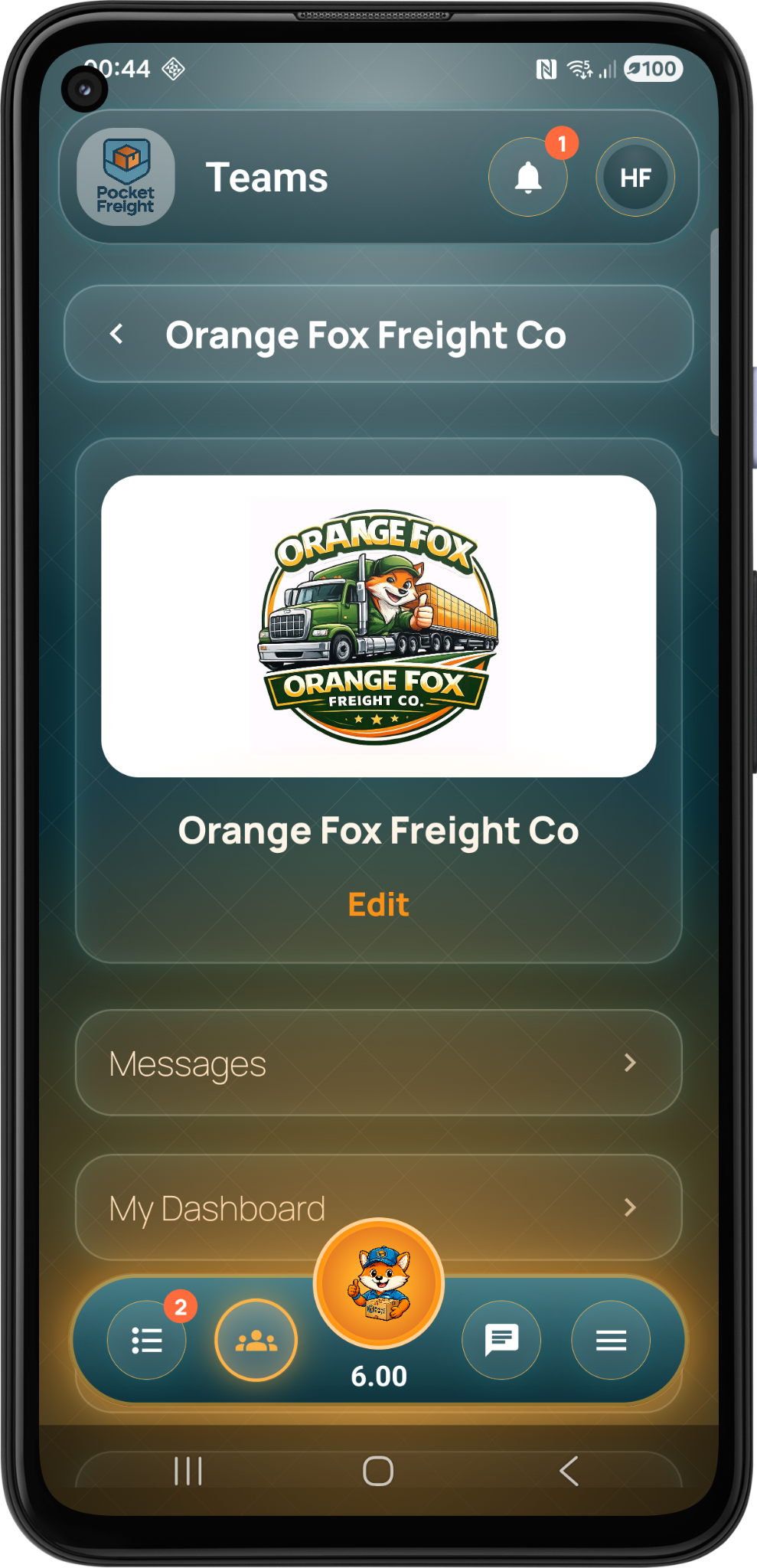
The team is the main workspace for the business. Add the company profile, logo and team structure before moving into operational setup.

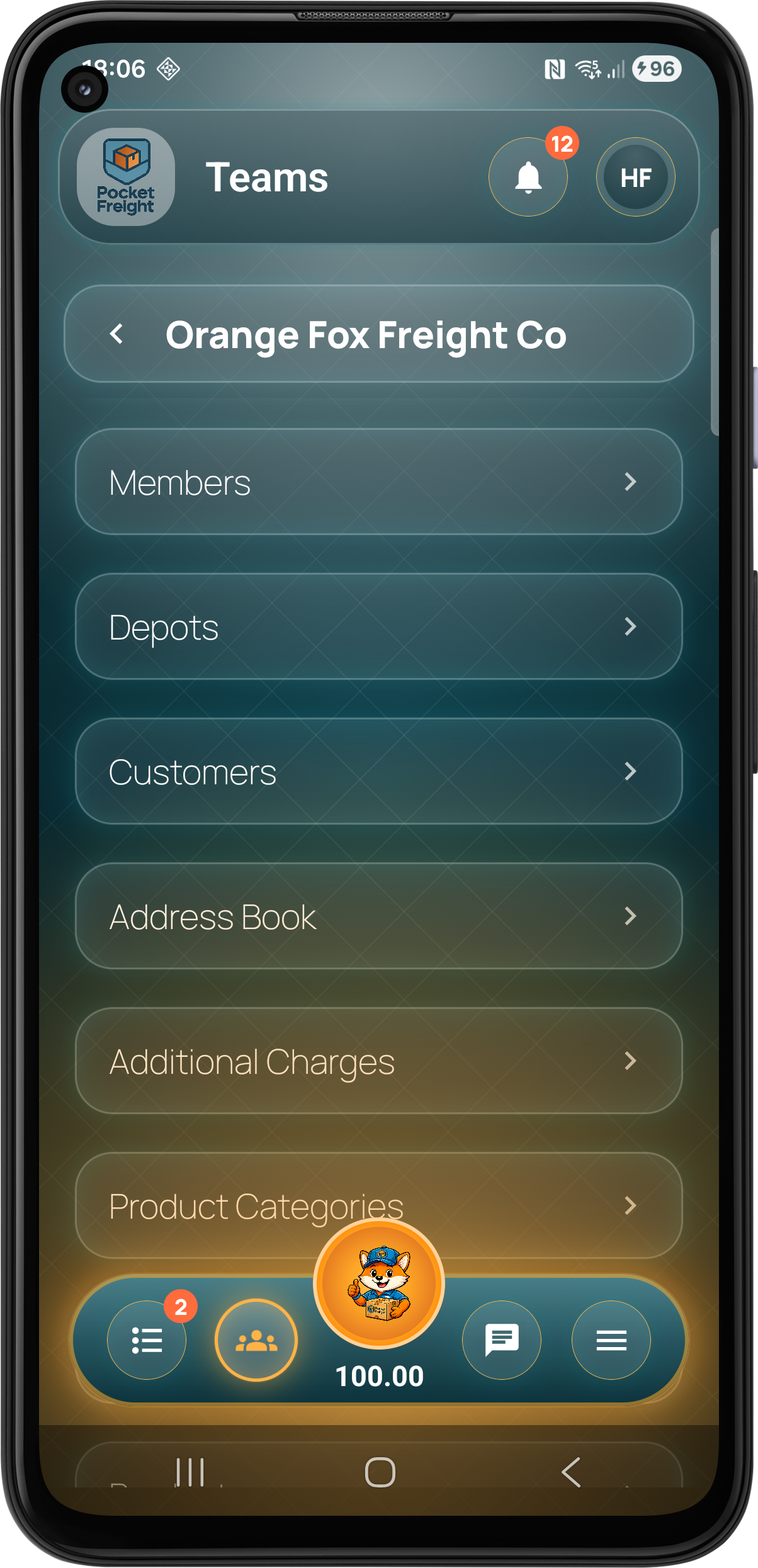
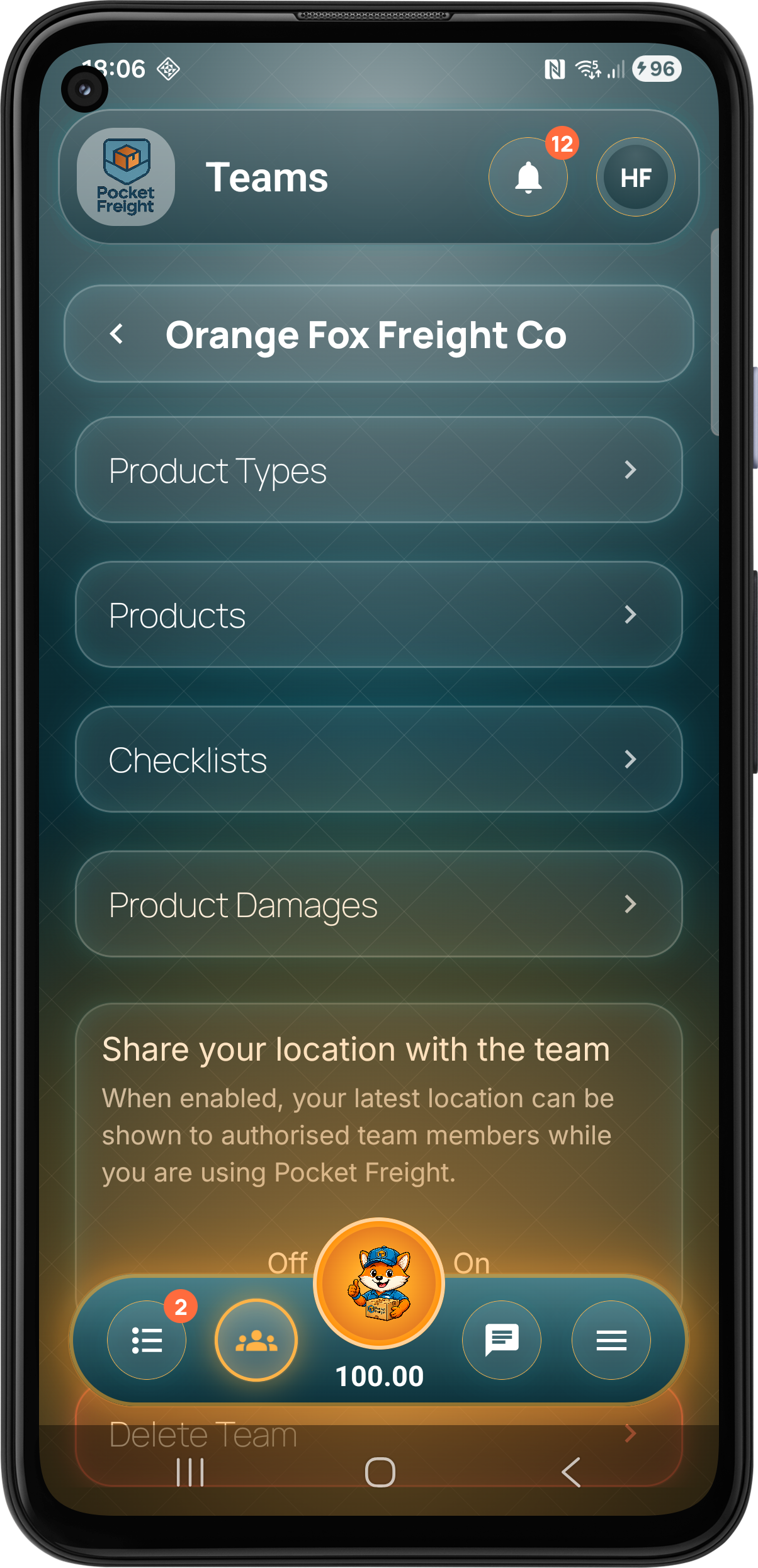
Teams can configure additional charges, product categories, product types, products, service categories, service types, services, damages and checklists so the app reflects the work they actually carry out.

Set up drivers and staff, create depots, add customers and build an address book so job creation is faster and more consistent.
Once the team is configured, Pocket Freight moves into the daily job workflow. Create the work, allocate it, run the route and optimise where needed.

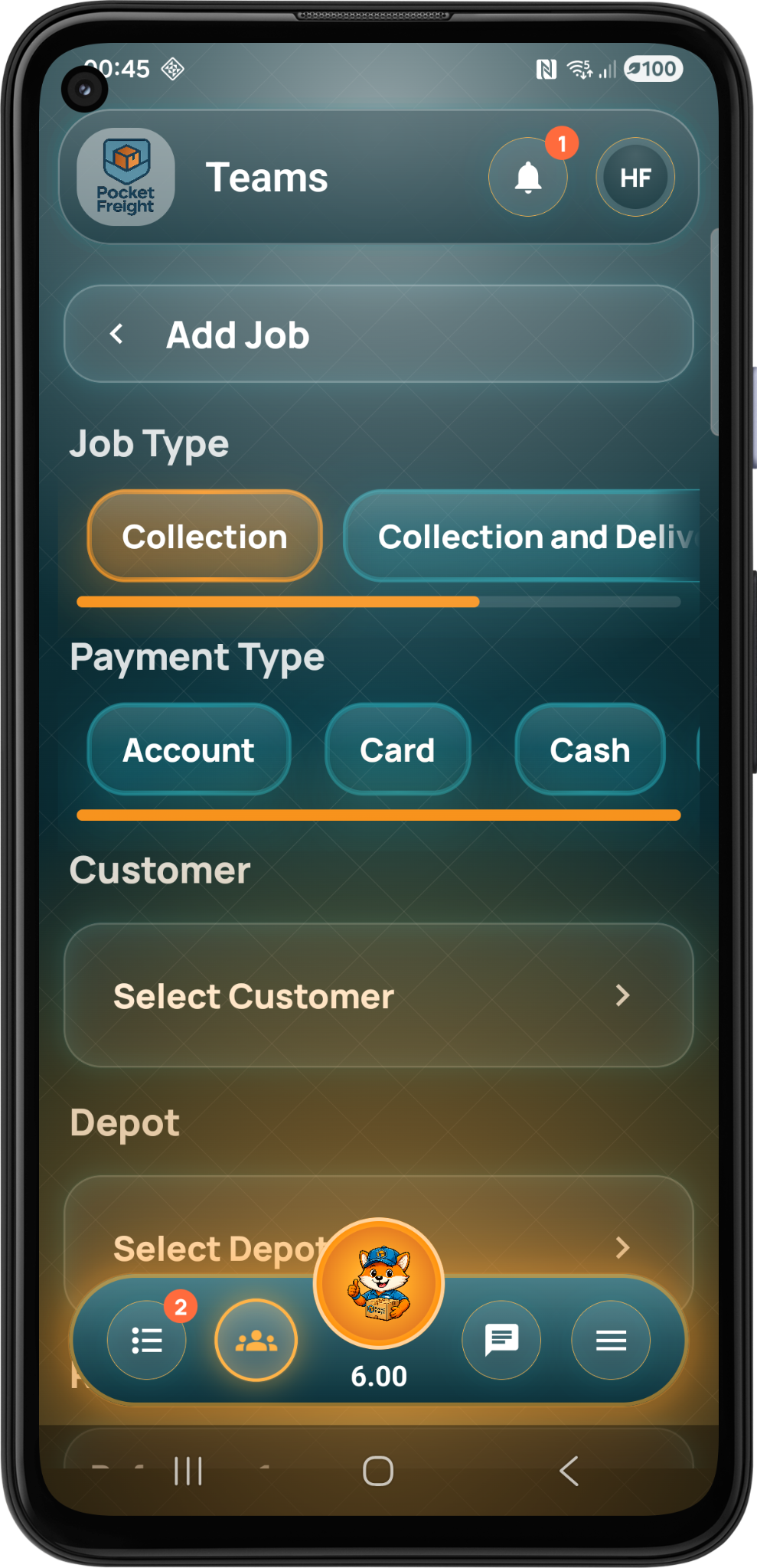
Create transport, logistics or service jobs using configured customers, depots, products, services, payment types and operational details.

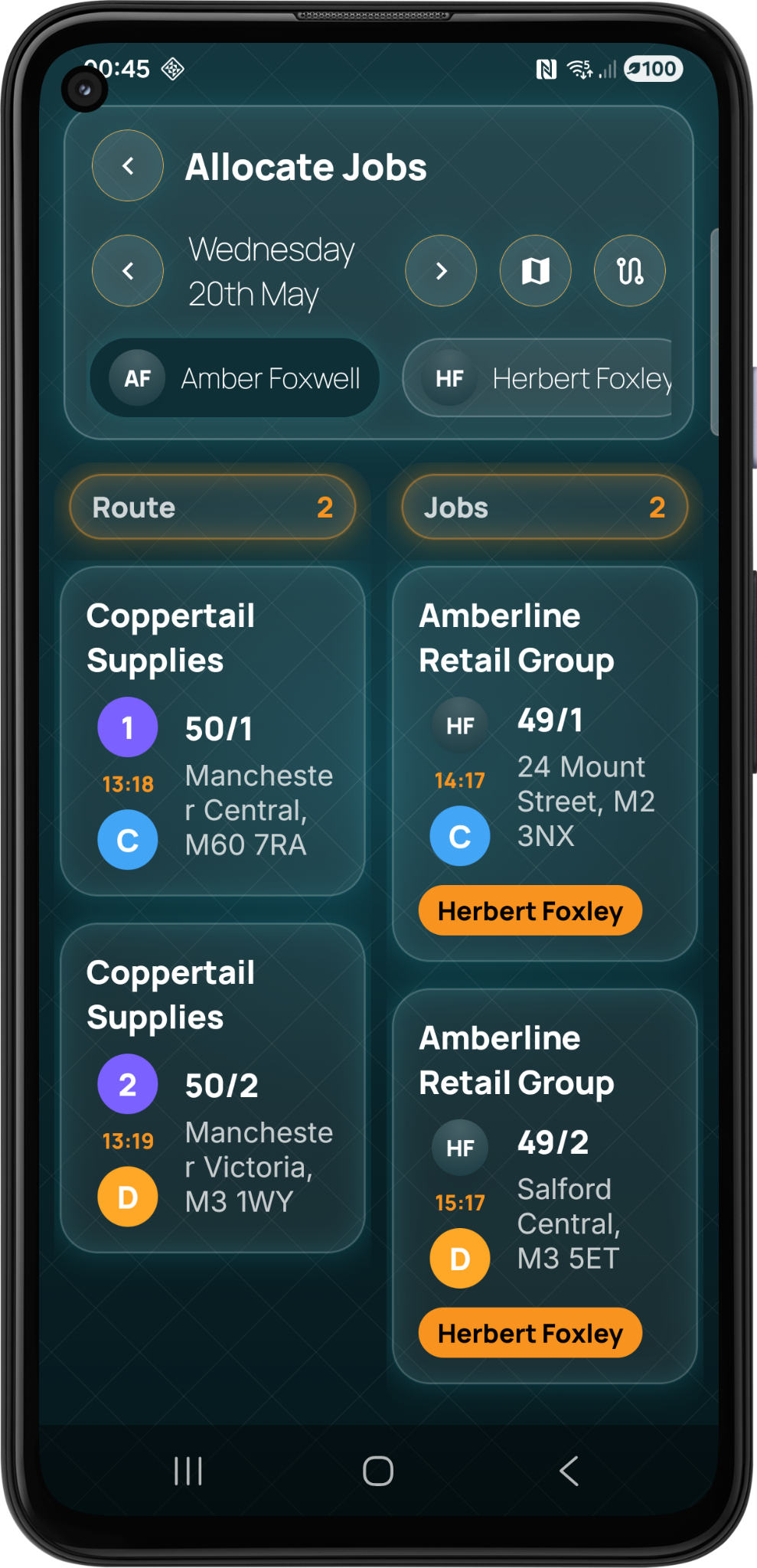
Allocate jobs visually between team members and routes. The planner keeps unallocated and assigned work clear so the team can organise the day quickly.

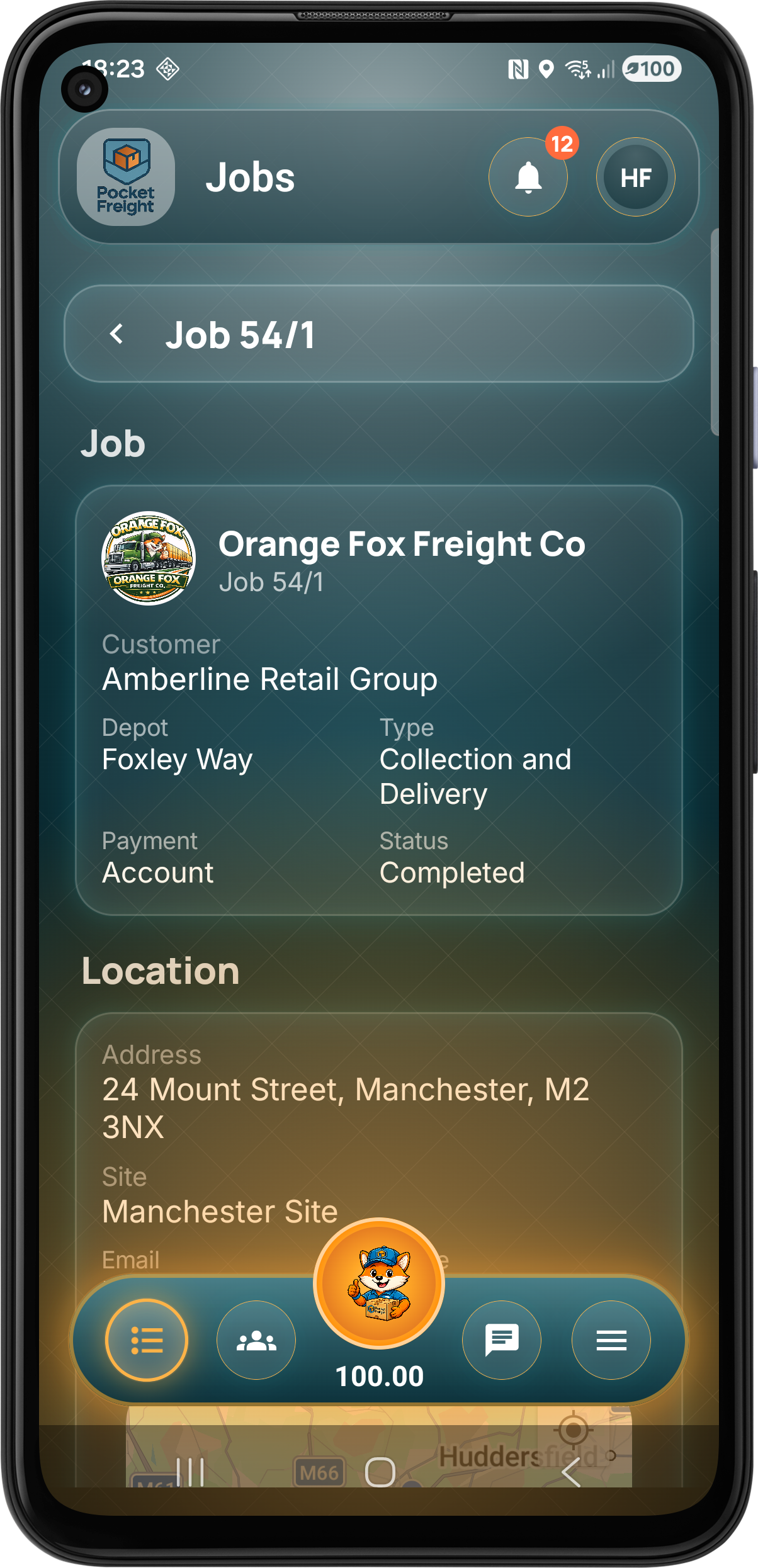
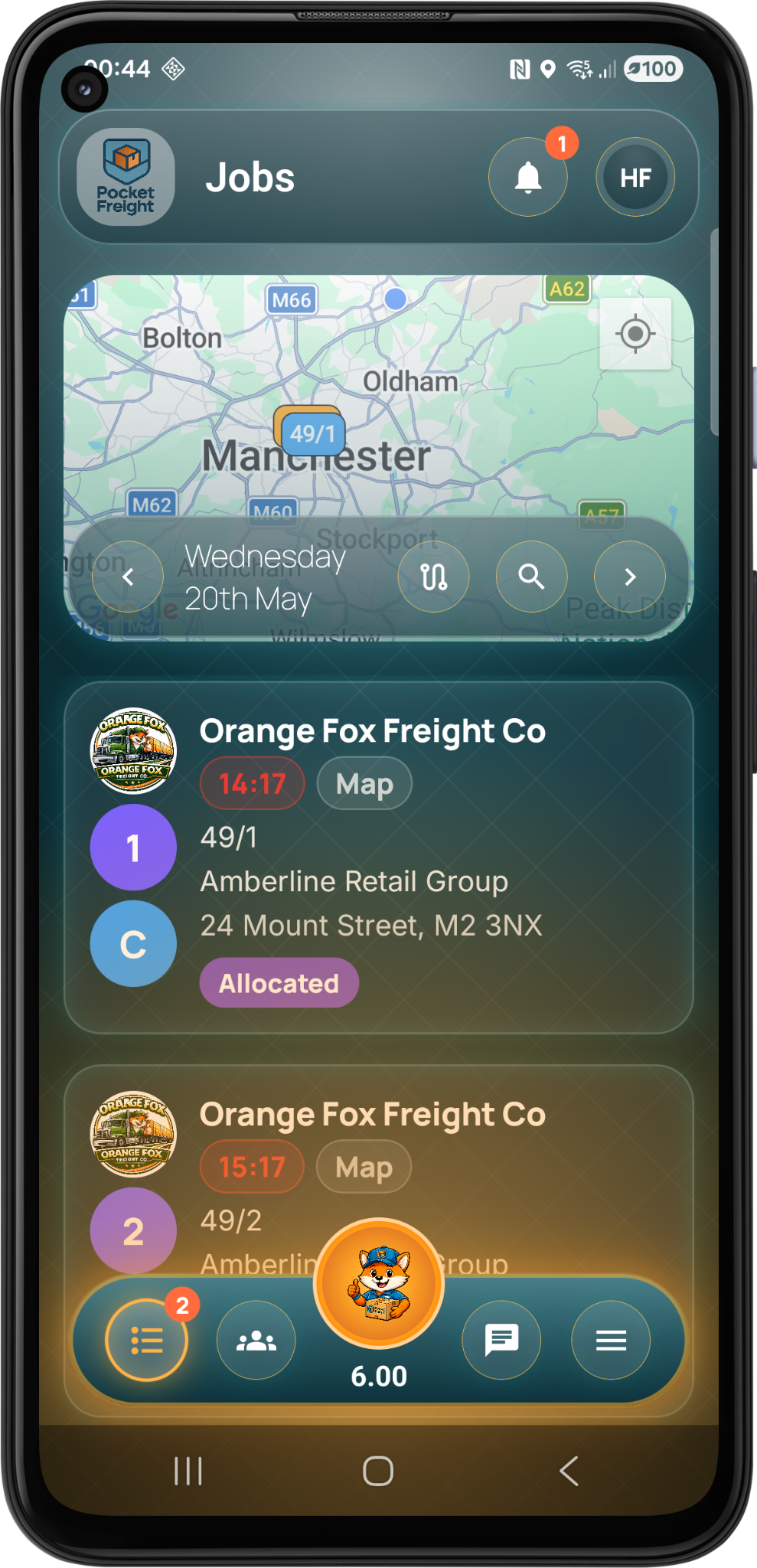
Team members can see allocated stages, service work, map context, timing information and job status from the mobile job list.

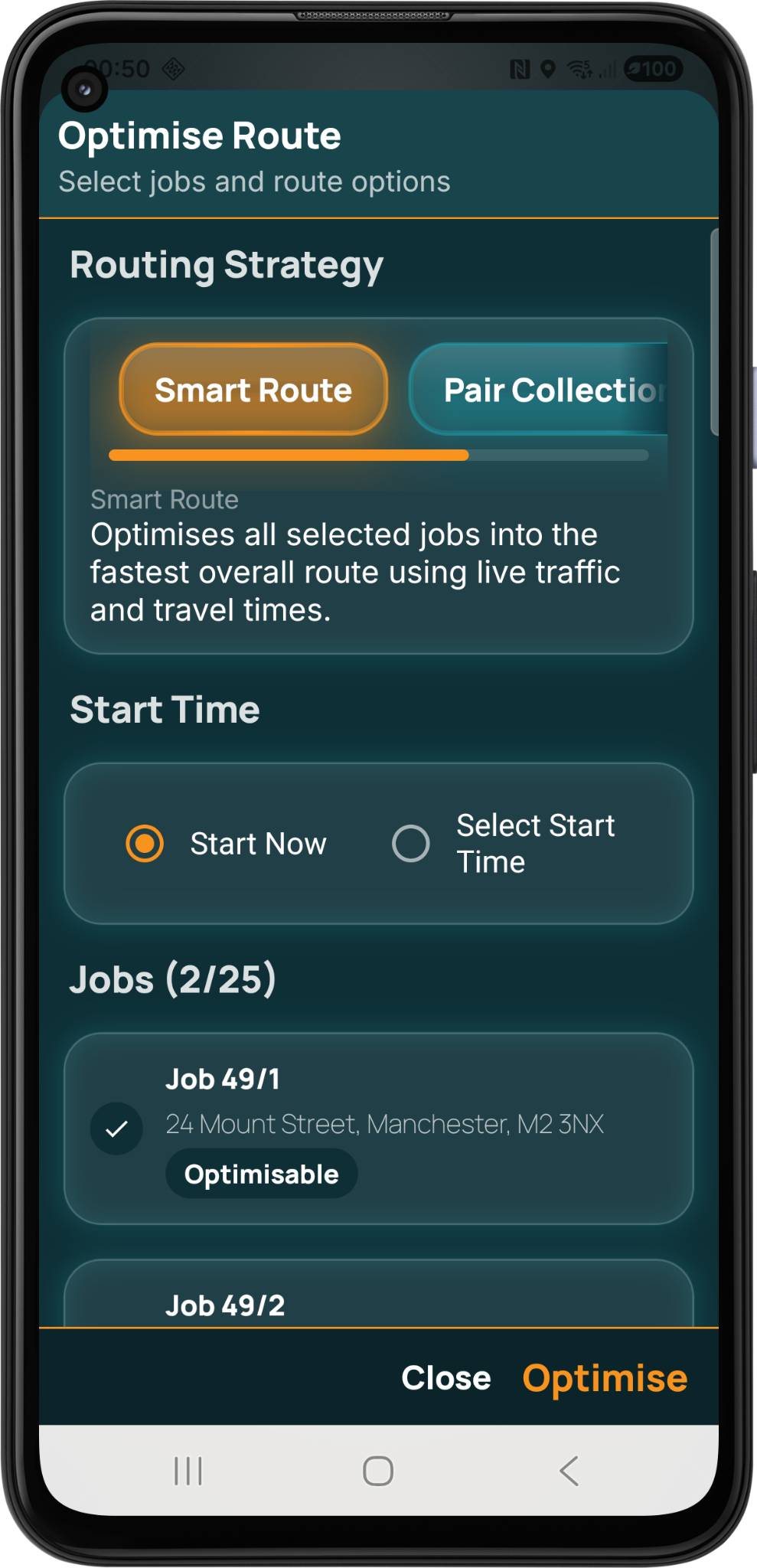
Route optimisation helps reduce wasted travel time by arranging selected jobs into a smarter route using live traffic and travel time data.
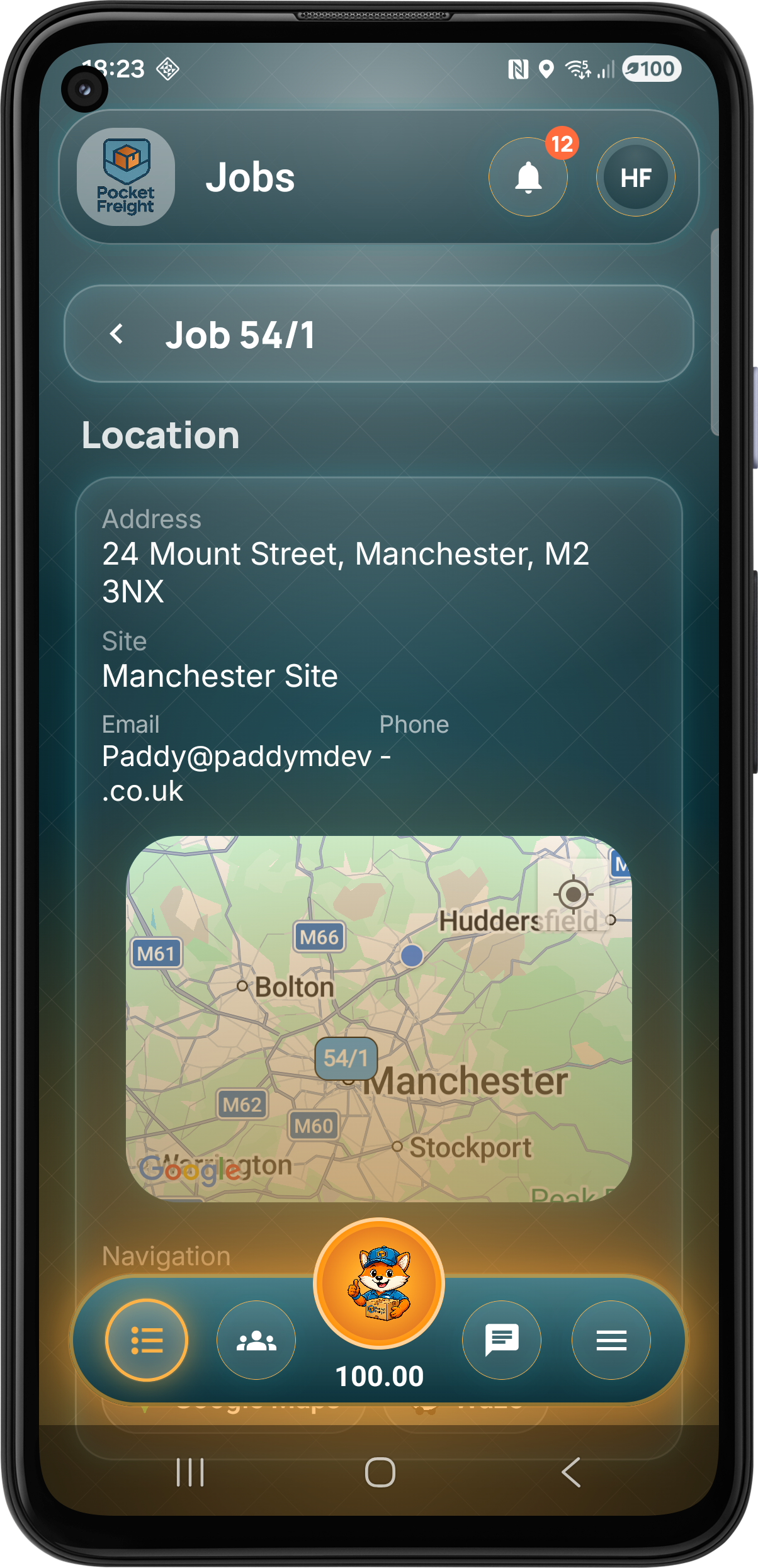
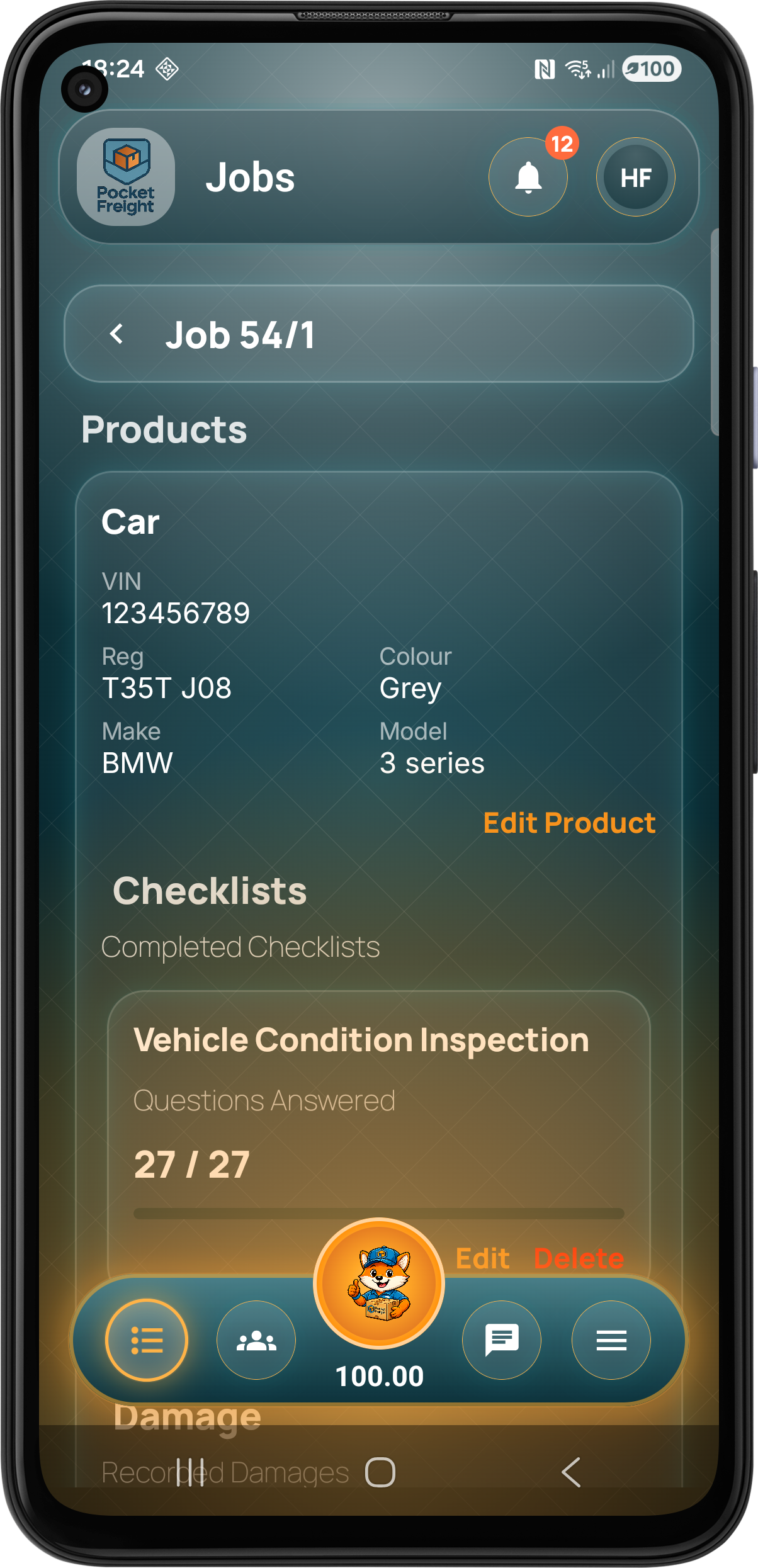
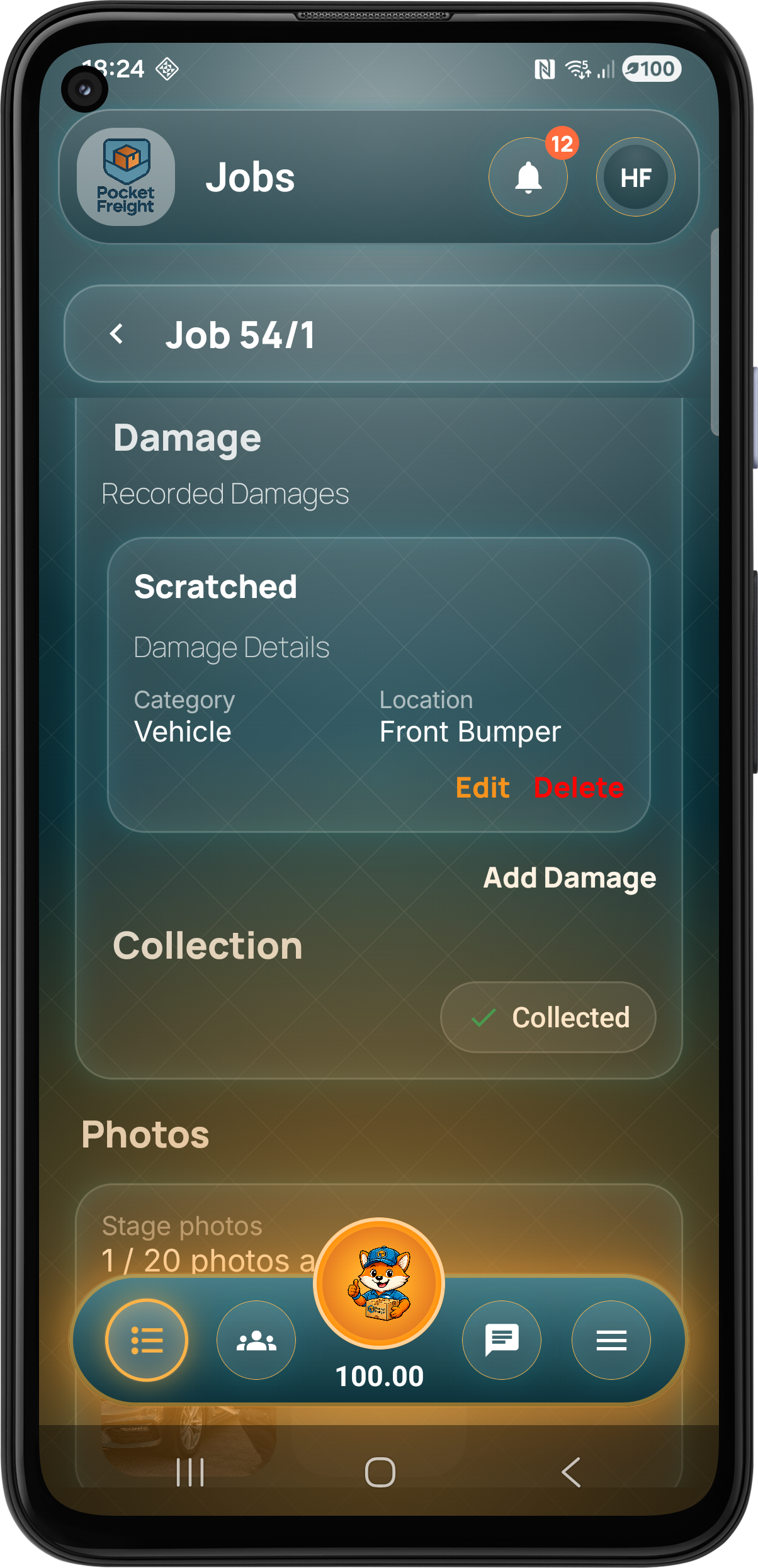
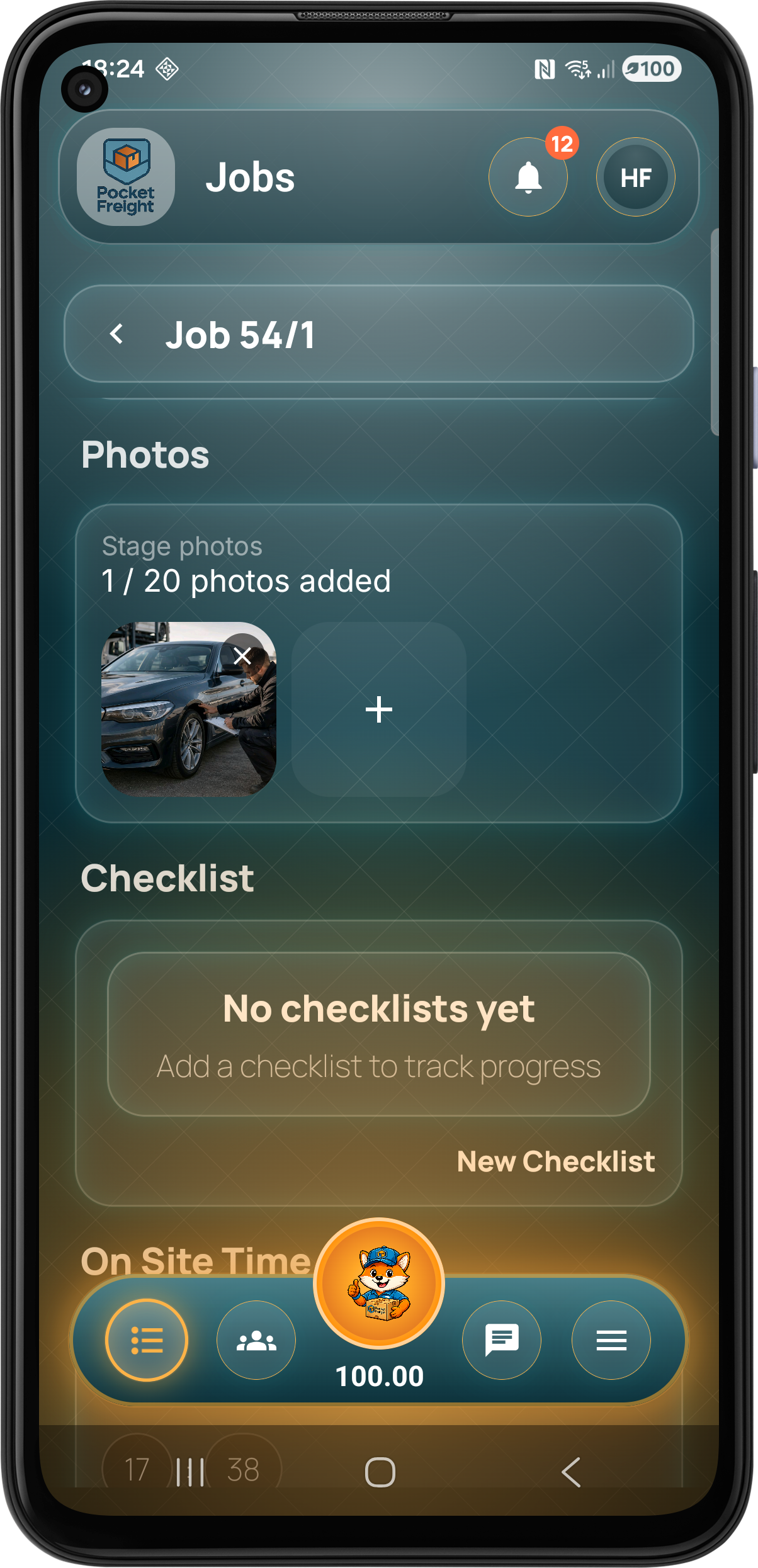
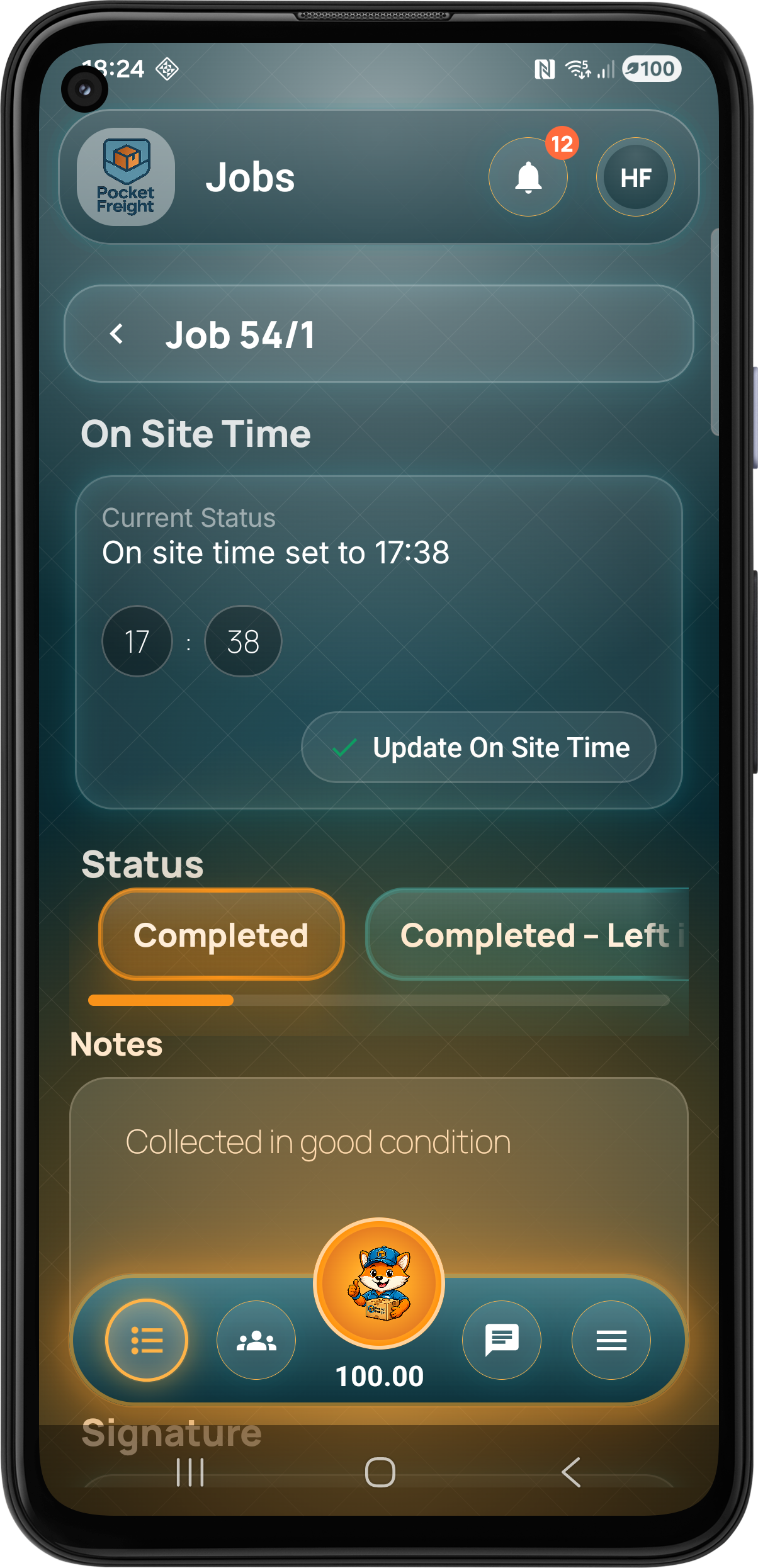
The job stage screen gives mobile teams the tools needed to move each collection, delivery or service visit through the workflow, including status, mapping, products, services, checks, notes and paperwork.
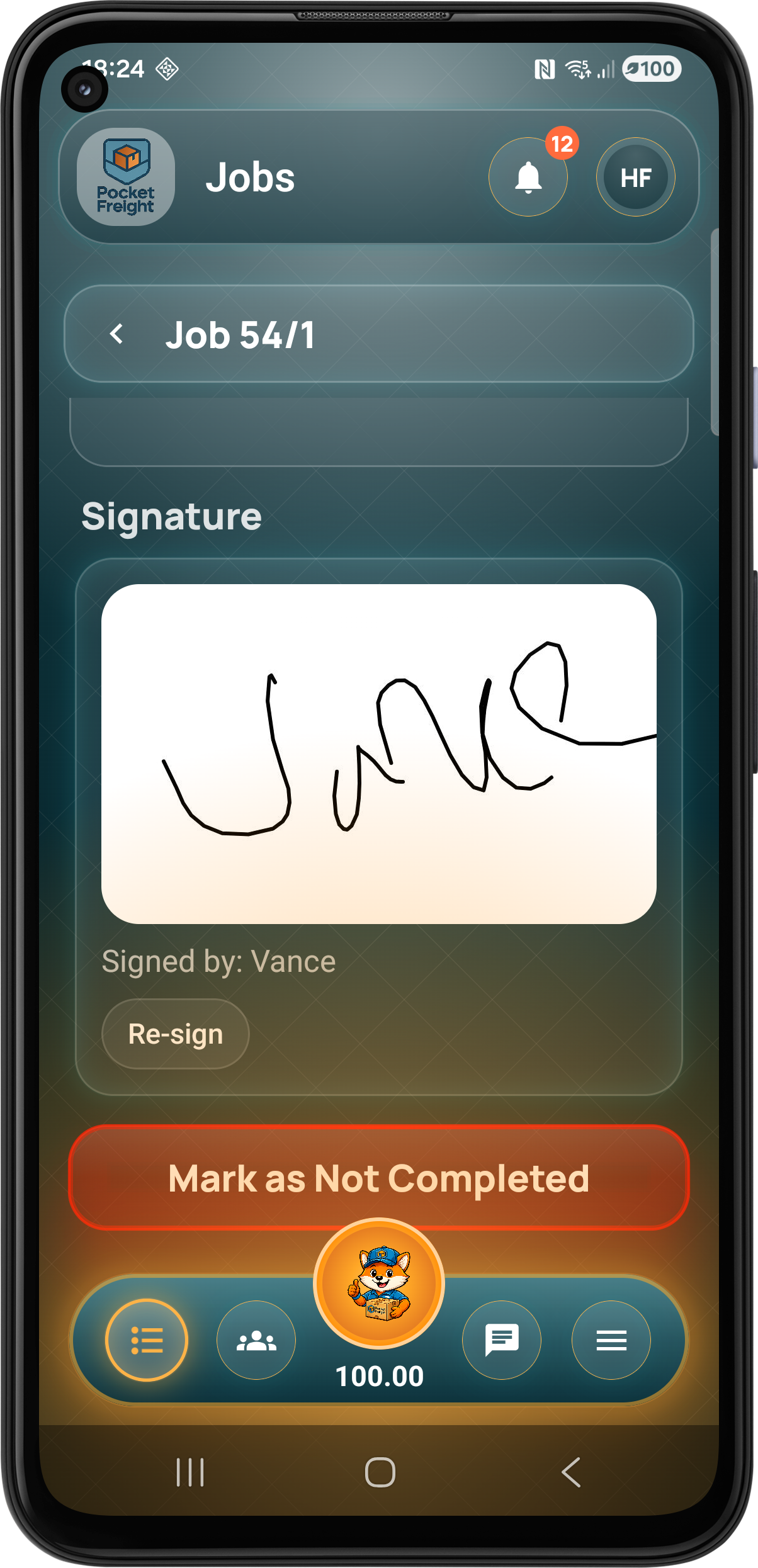
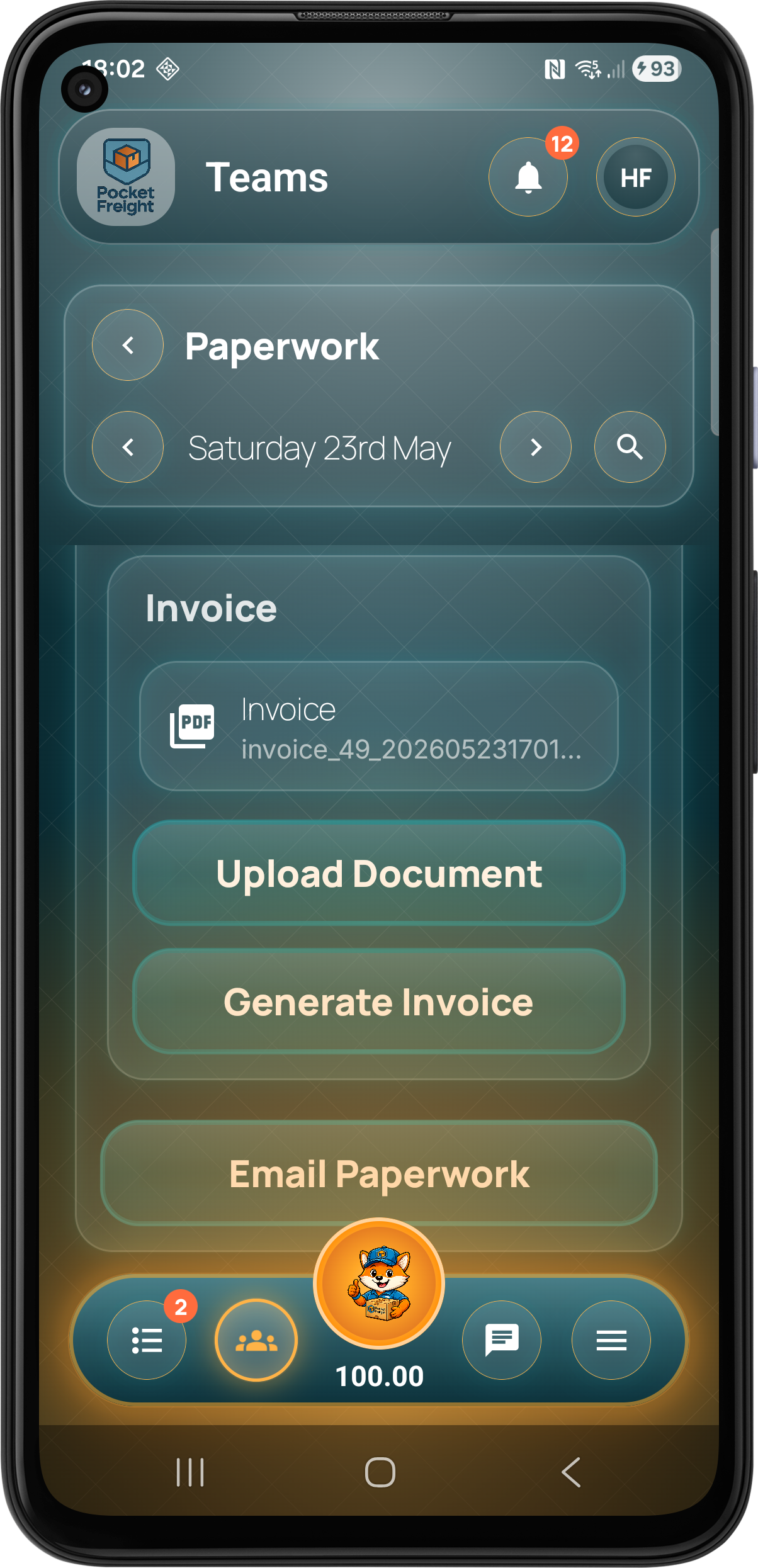
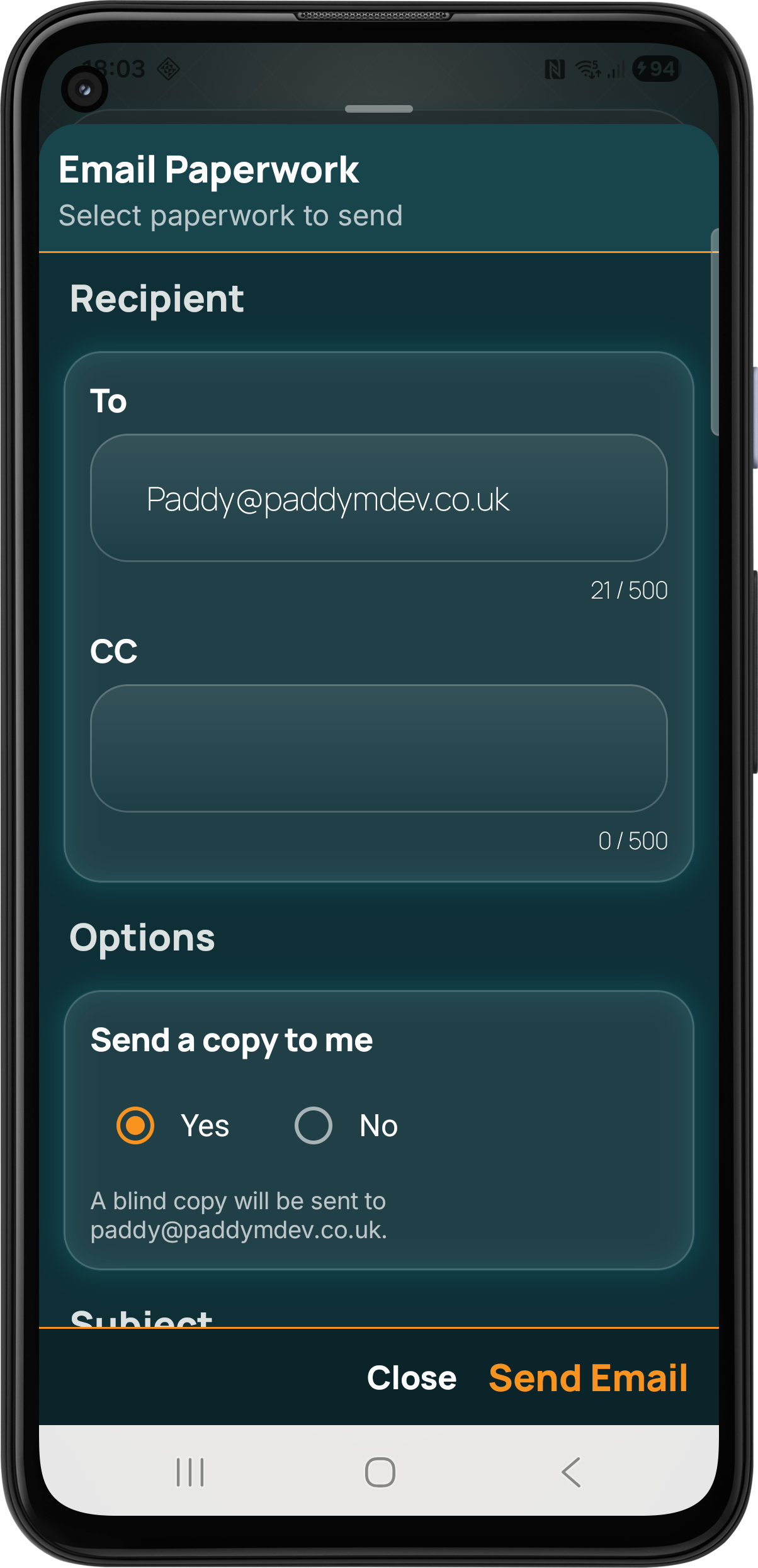
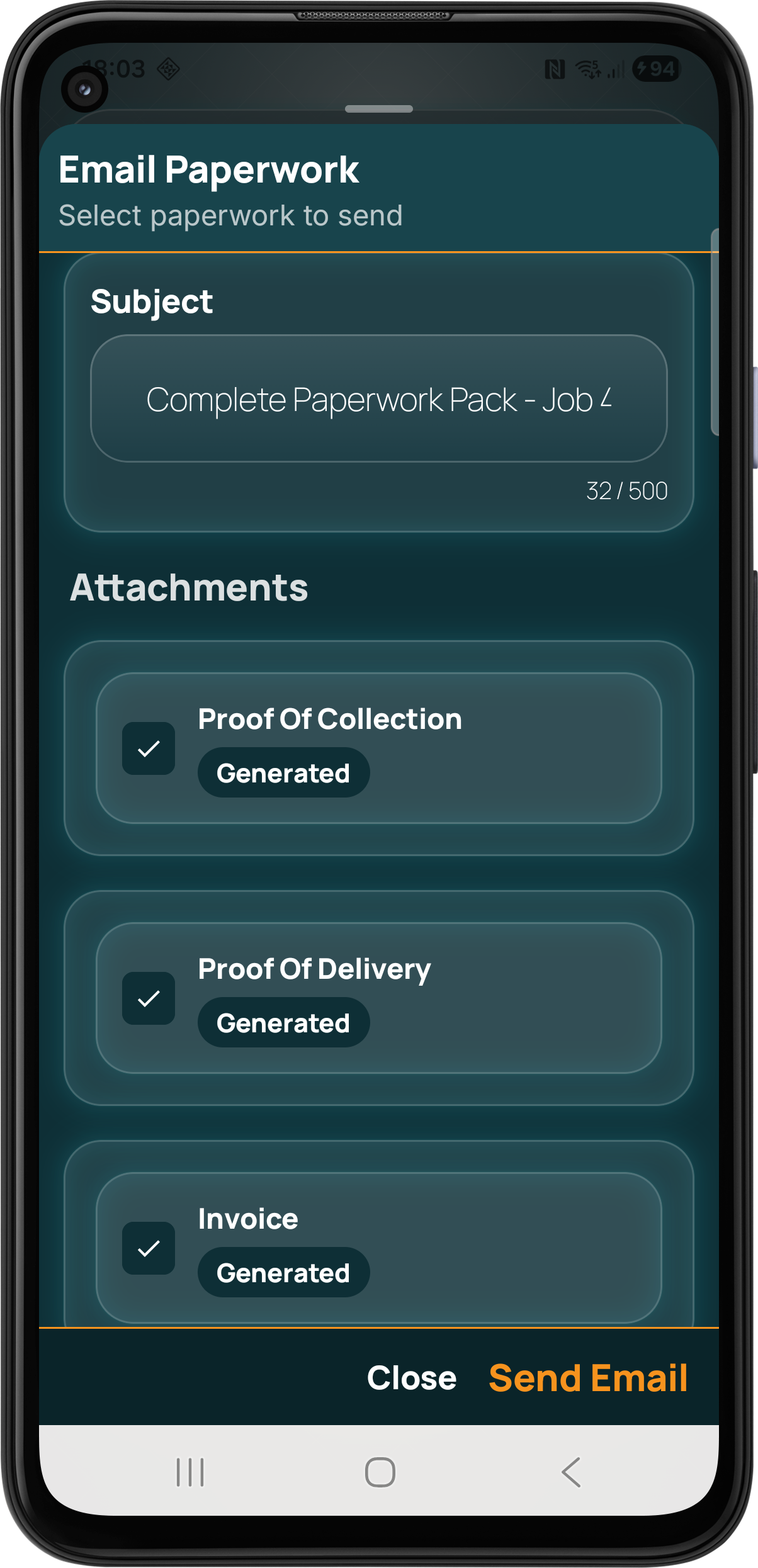
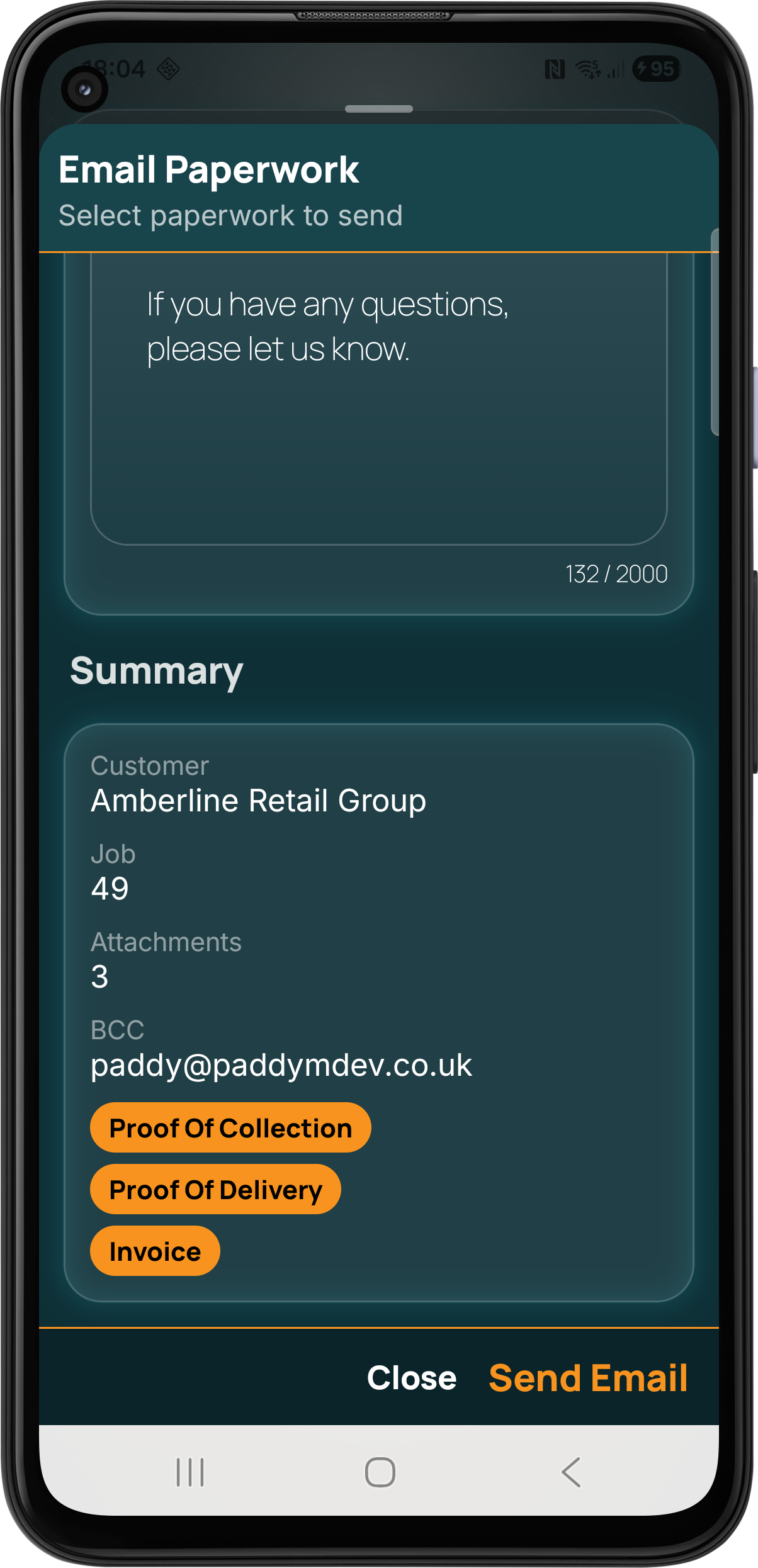
Pocket Freight keeps evidence and paperwork connected to the operational workflow. Teams can capture photos, signatures, notes and checklists, upload supporting files, generate collection, delivery and invoice documents, then email the relevant records directly to customers.

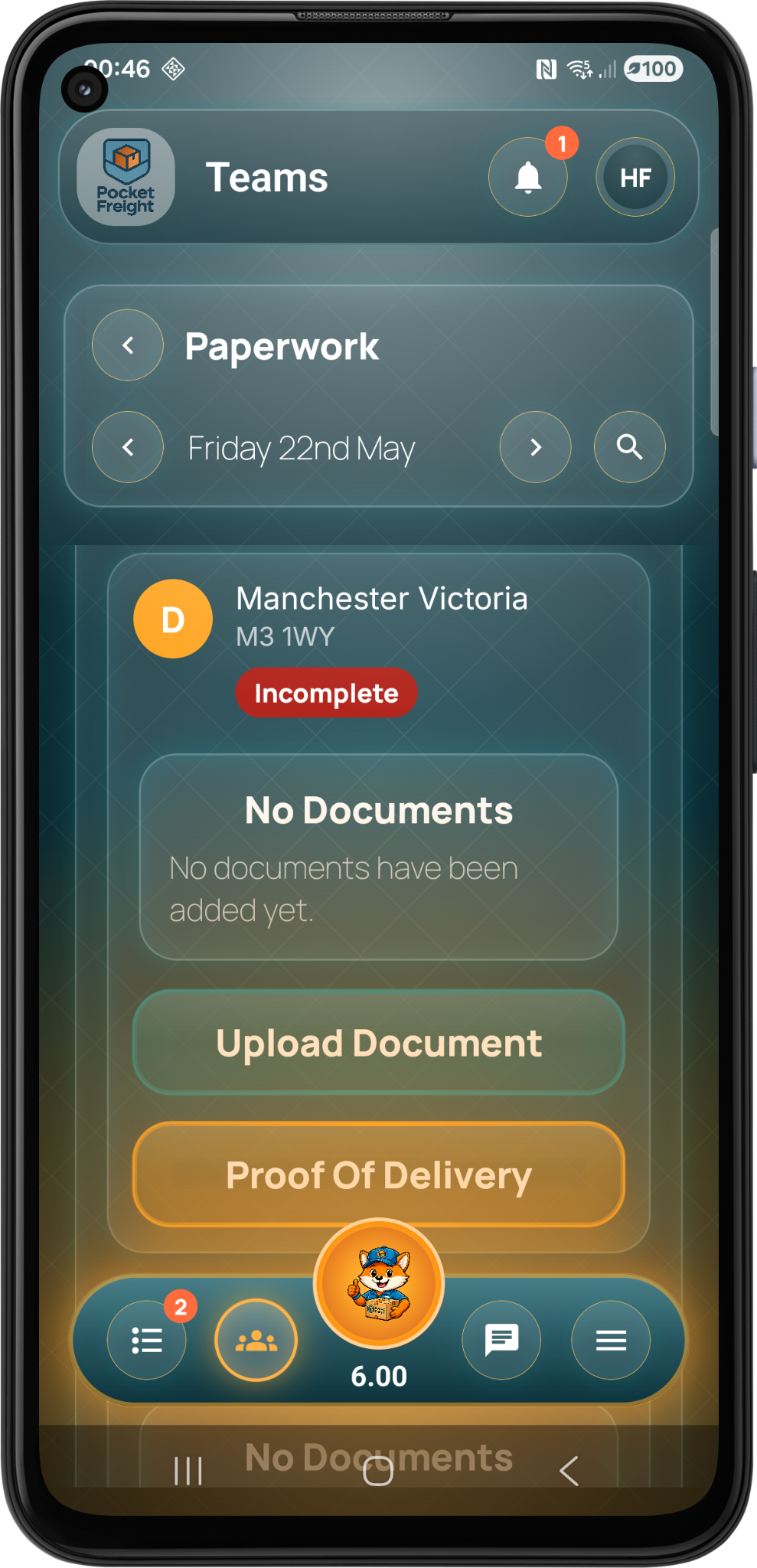
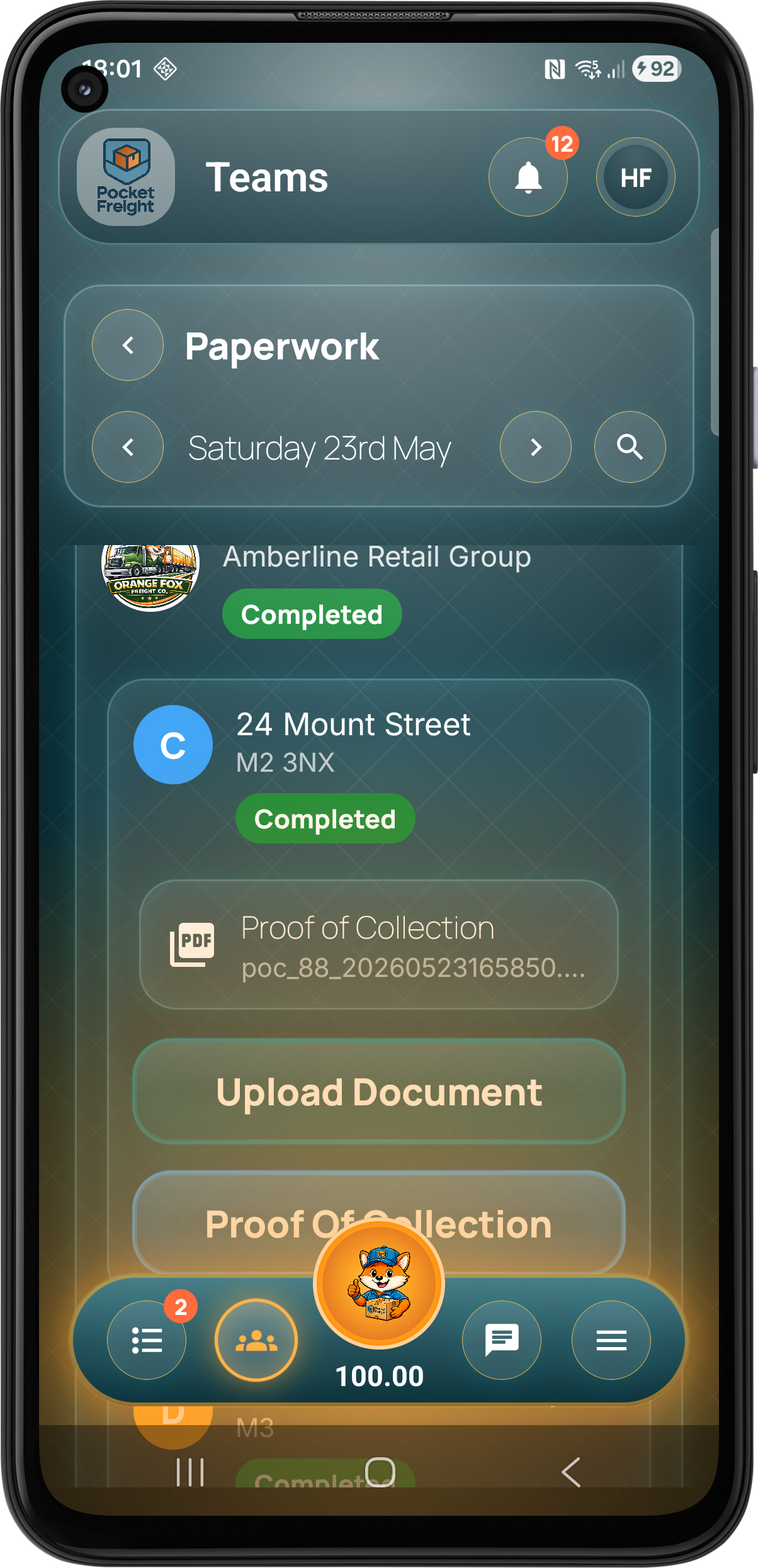
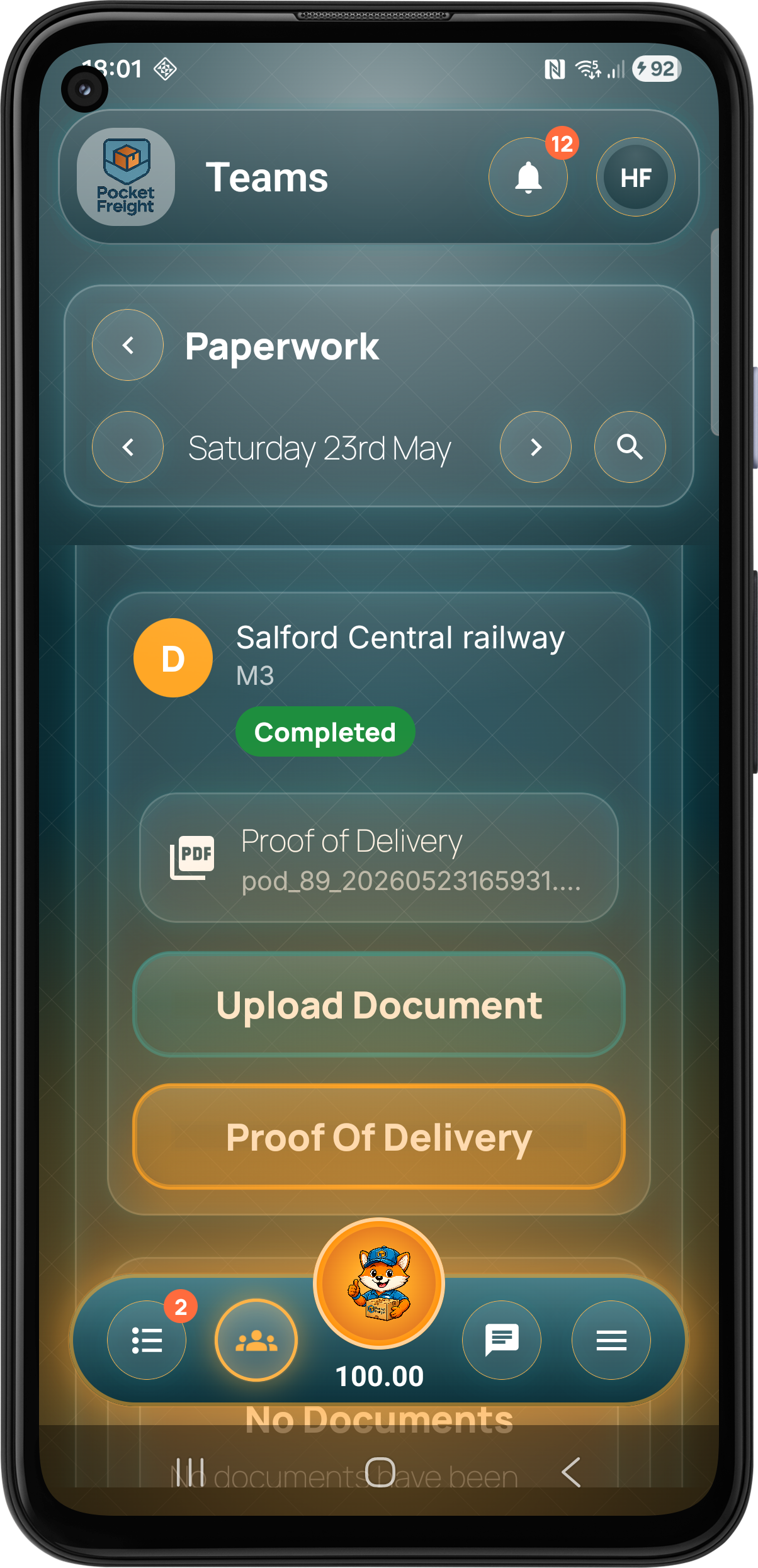
Documents stay linked to the right stage so teams can find them later without searching through messages or folders.

Generate or upload proof of collection against the correct job stage.

Manage proof of delivery records so completed jobs have the right supporting documents attached.

Create customer invoice paperwork from the job workflow and keep it connected to the delivery record.
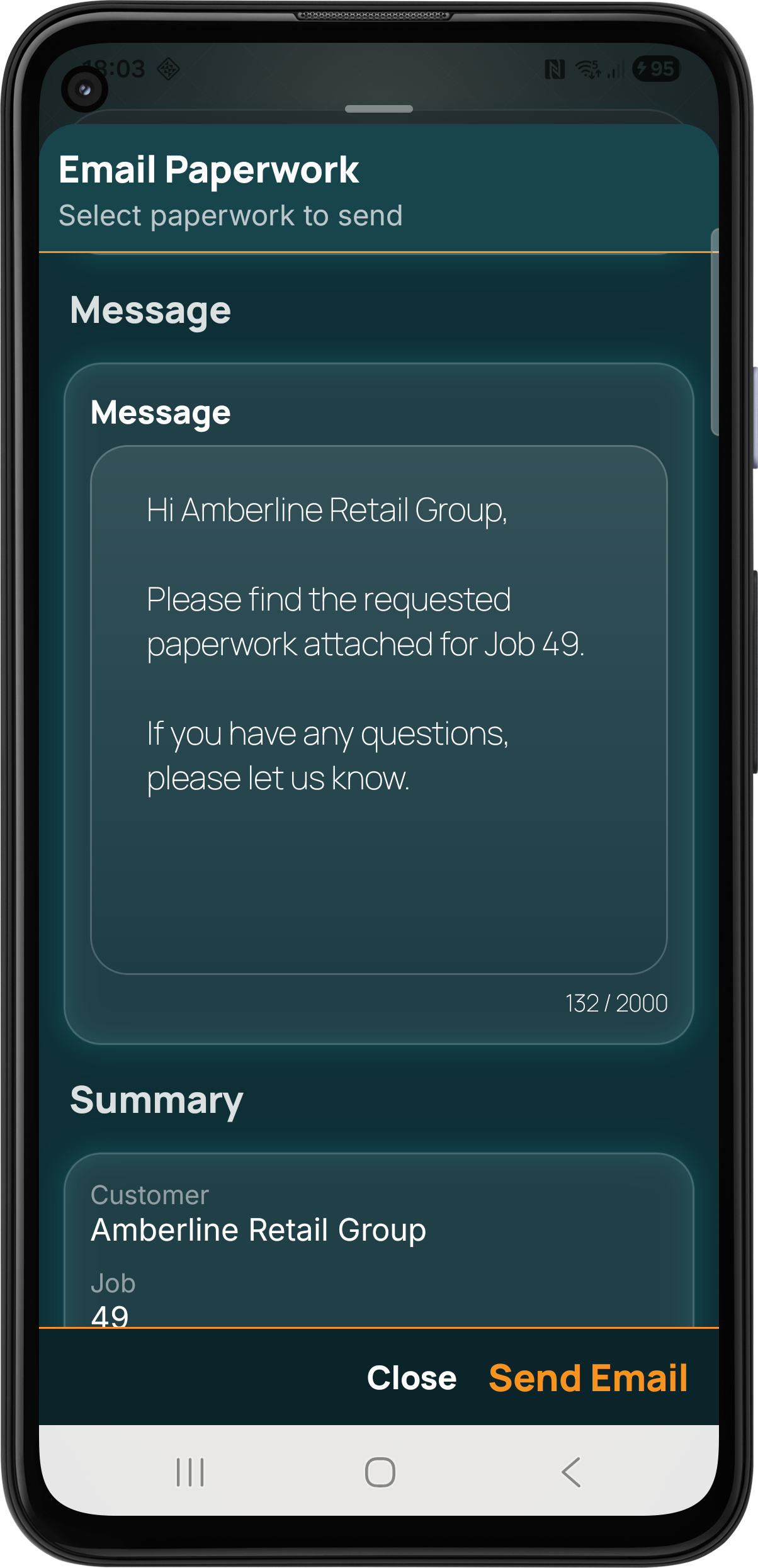
The app can generate customer ready emails containing the relevant documents, reducing manual admin after collections, deliveries and invoicing.
Pocket Freight can generate customer ready emails for ETA updates and job paperwork, keeping customers informed without manual admin.
Select a proof of collection, proof of delivery or invoice example to preview the PDF directly inside the page.
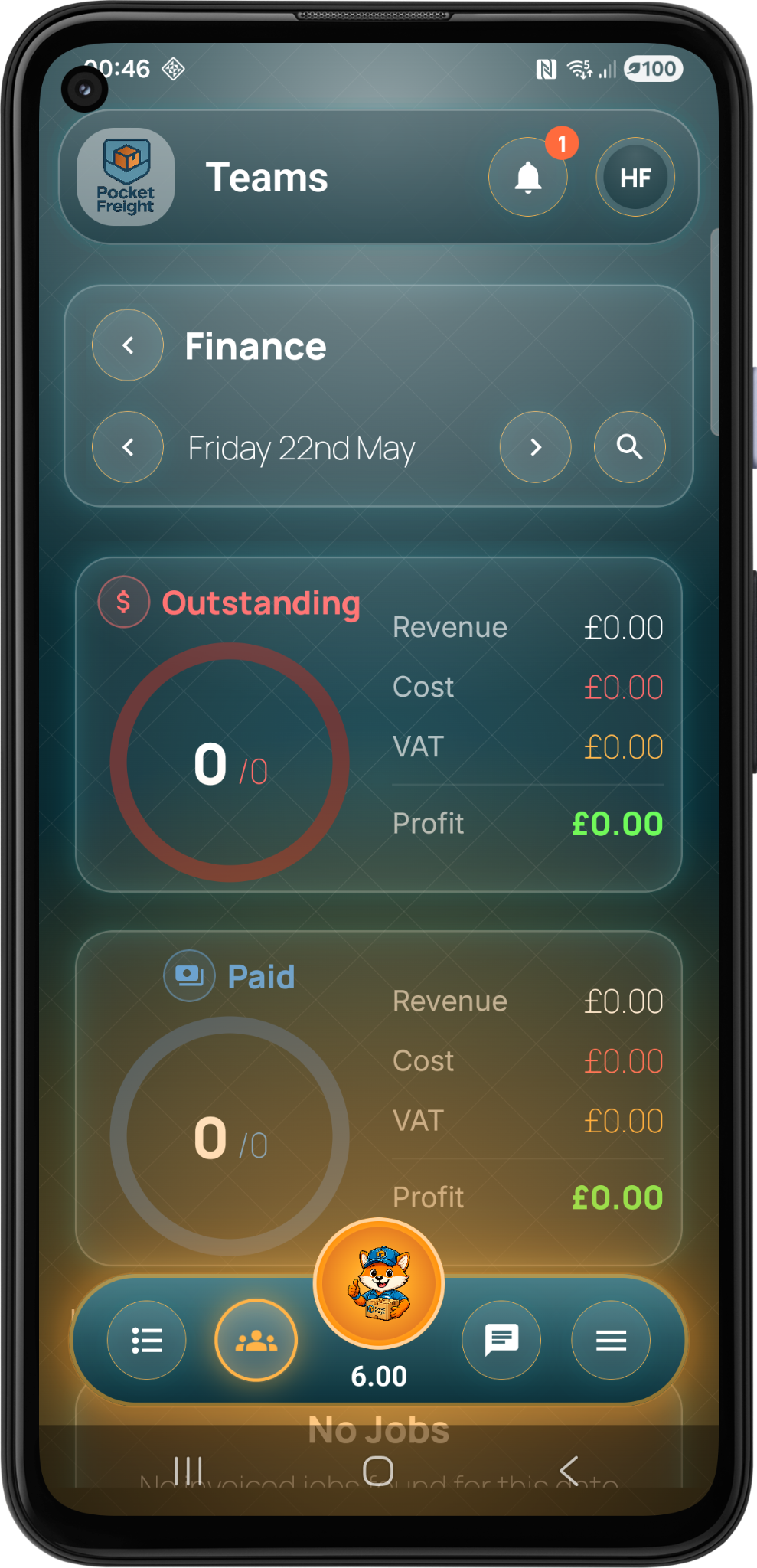
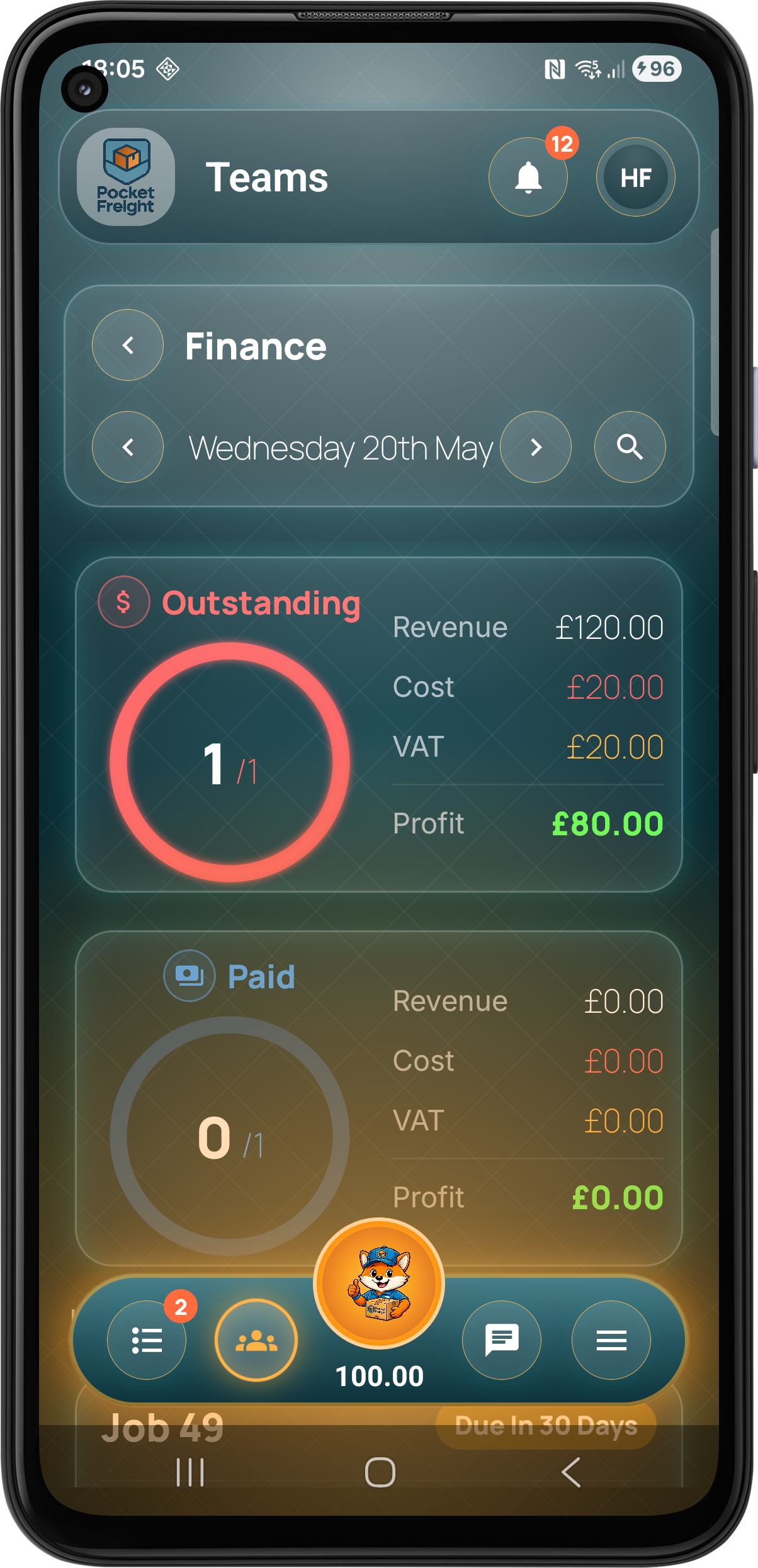
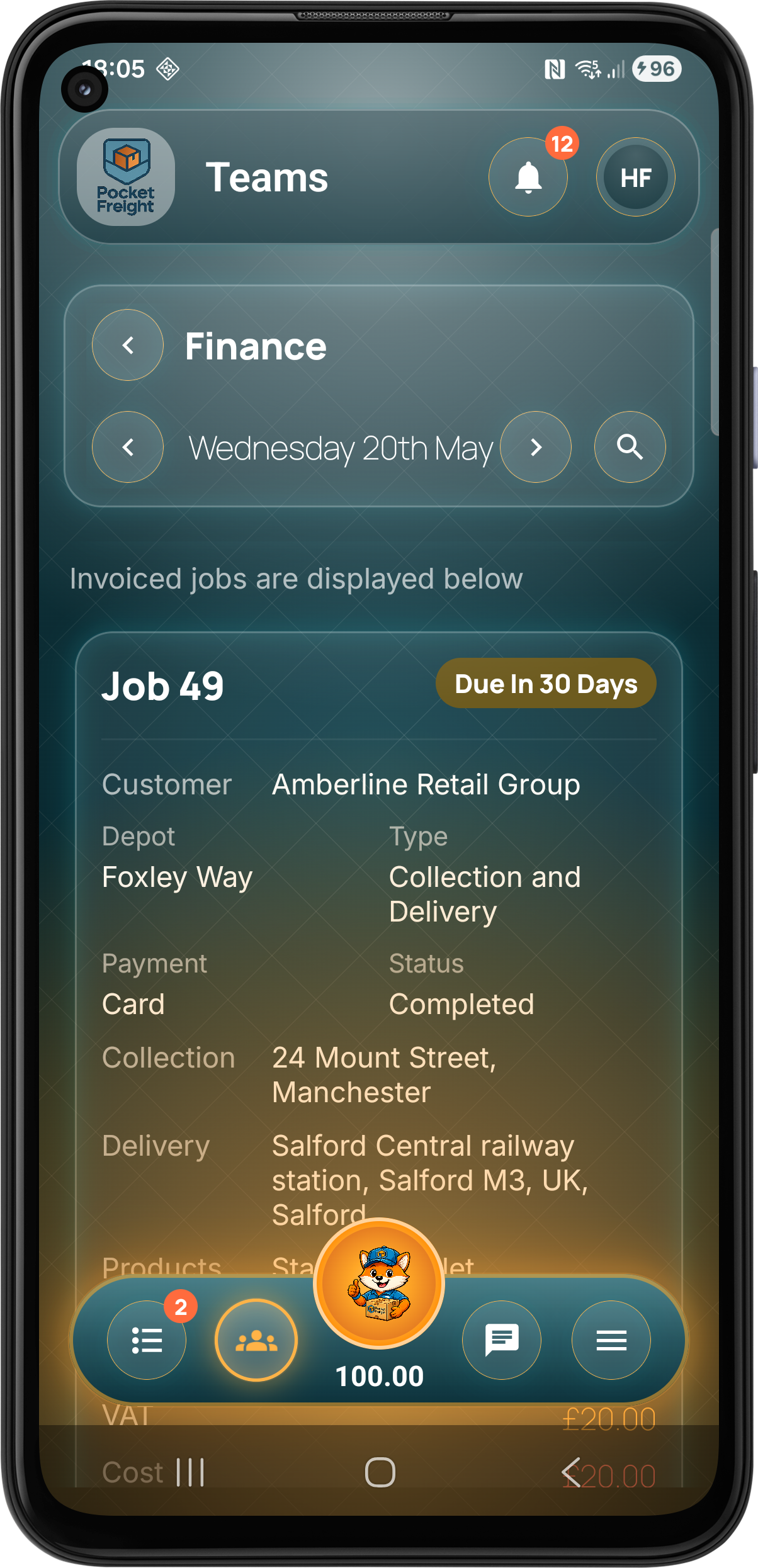
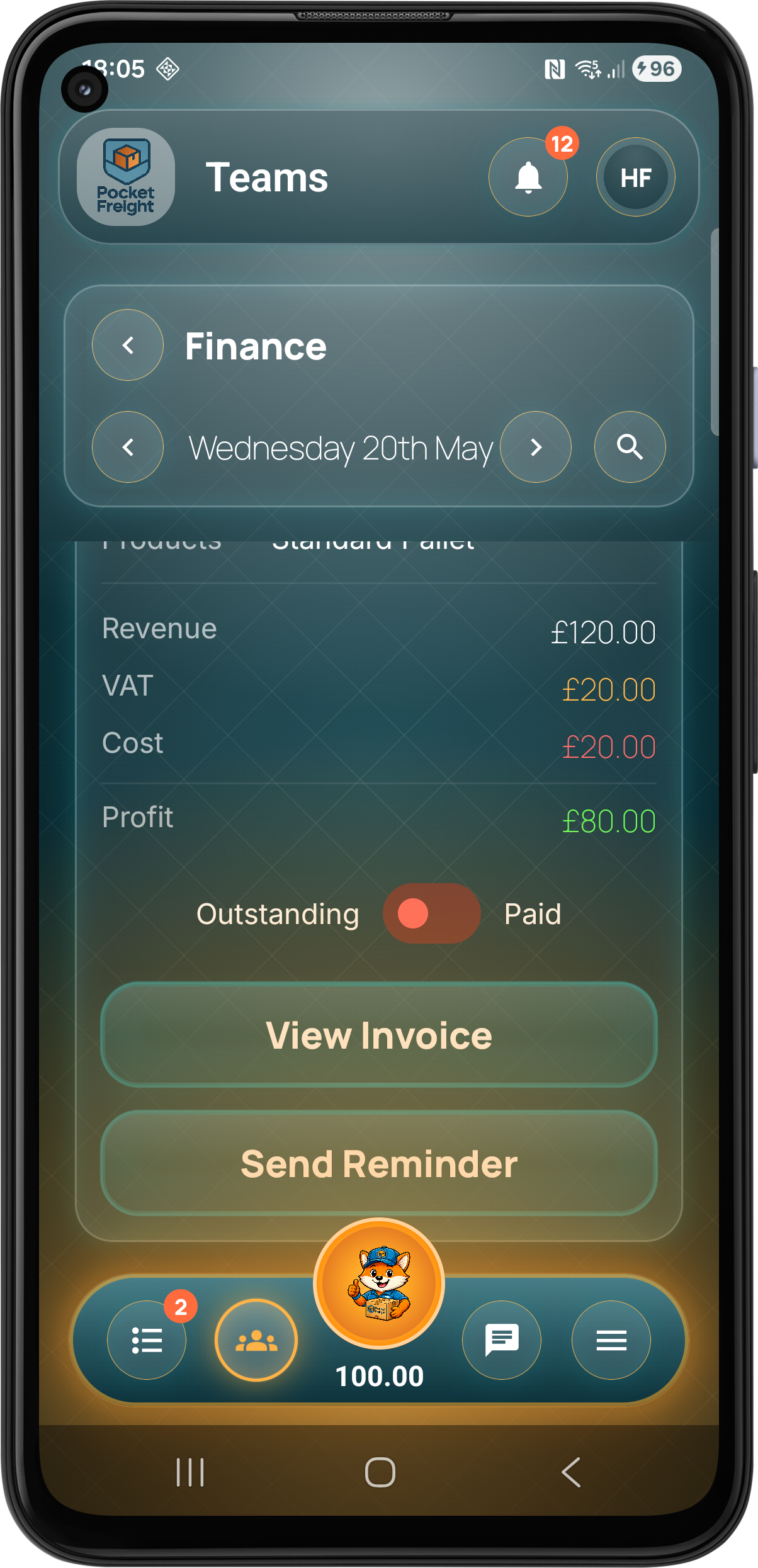
Finance screens help teams monitor outstanding invoices, paid work, revenue, costs, VAT and profit directly from the operational platform.

View key figures for outstanding and paid work with revenue, cost, VAT and profit summaries.

Monitor jobs and invoices still awaiting payment and keep the team aware of what needs attention.

Review paid jobs and completed invoice activity as part of the same operational workflow.

Understand revenue, costs, VAT and profit without having to build separate reports manually.
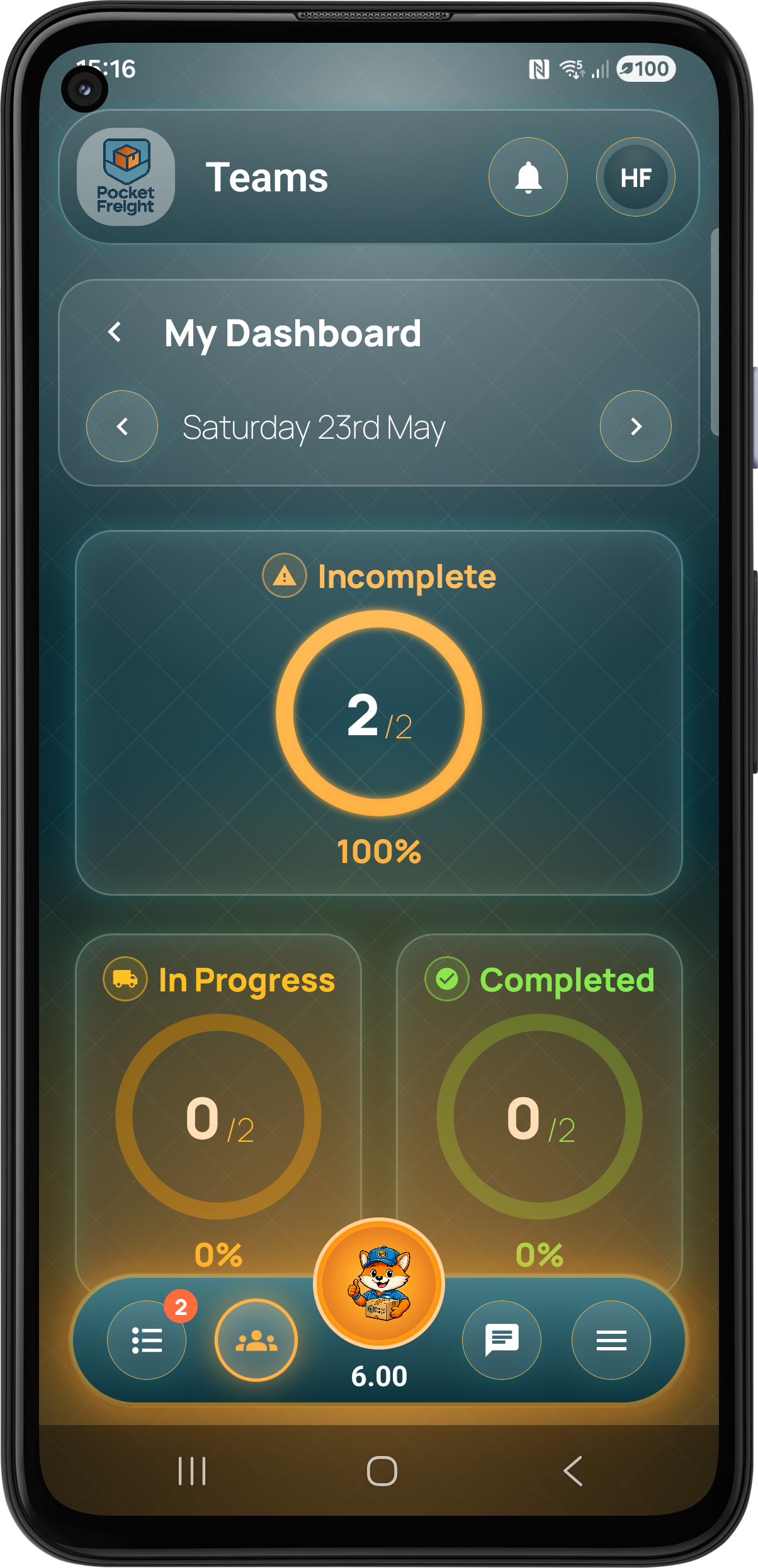
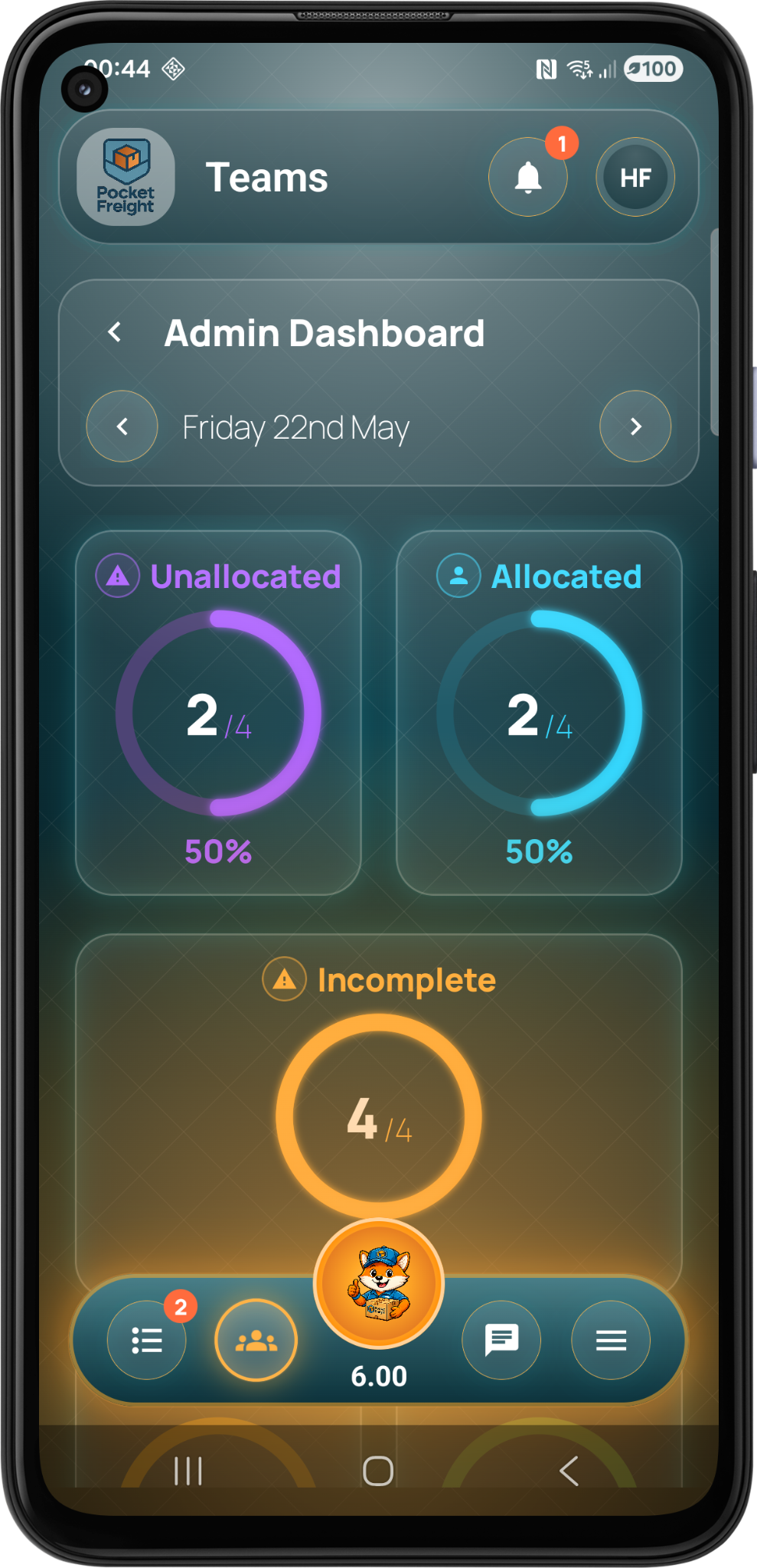
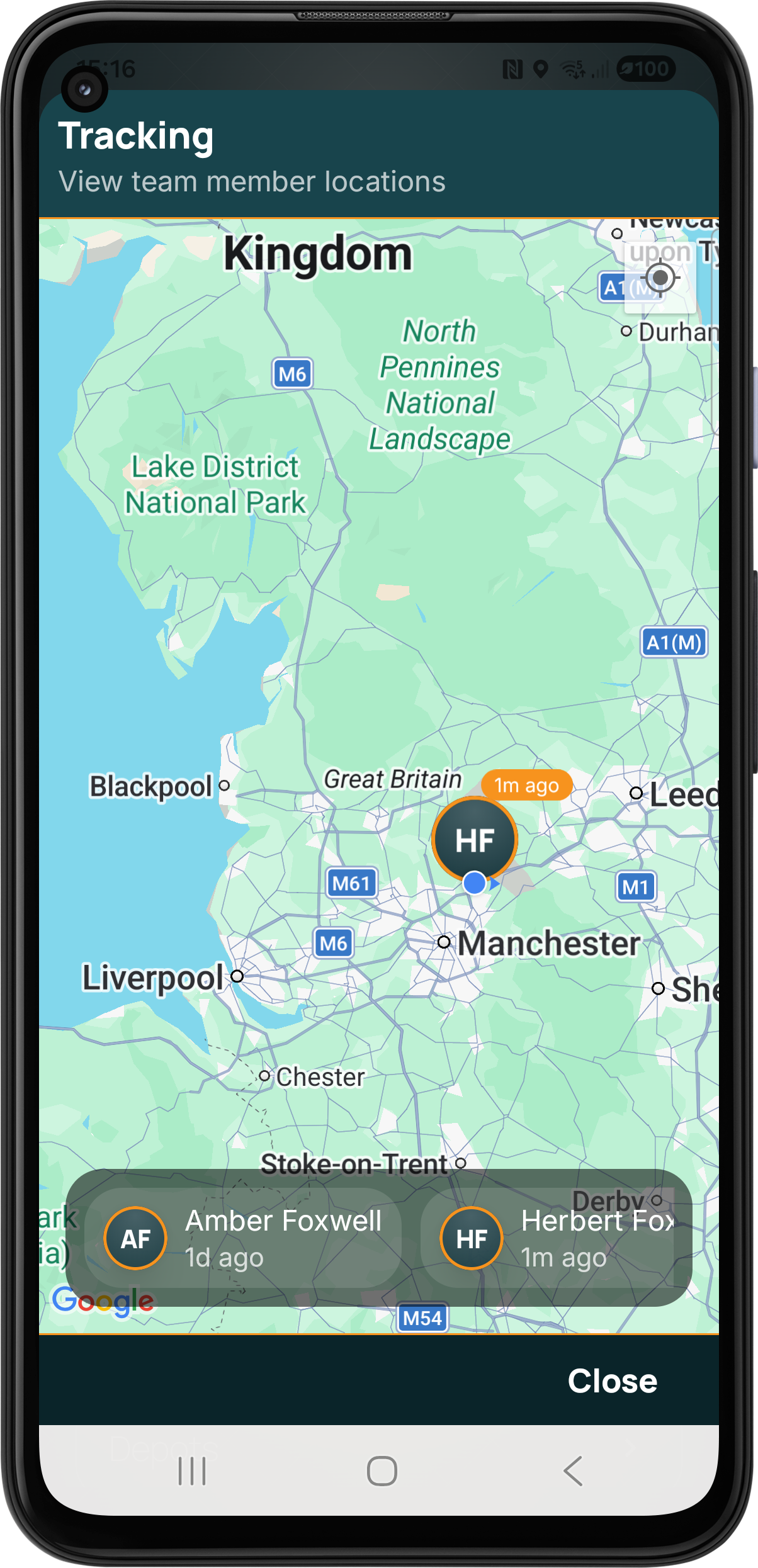
Pocket Freight gives team members, admins and managers visibility across the business with operational dashboards, live tracking and built-in chat.

Users can view their own activity, progress and operational information from a dedicated dashboard.

Admins can monitor allocated, unallocated and incomplete work at a glance.
Track team members and operational activity with live map based visibility.

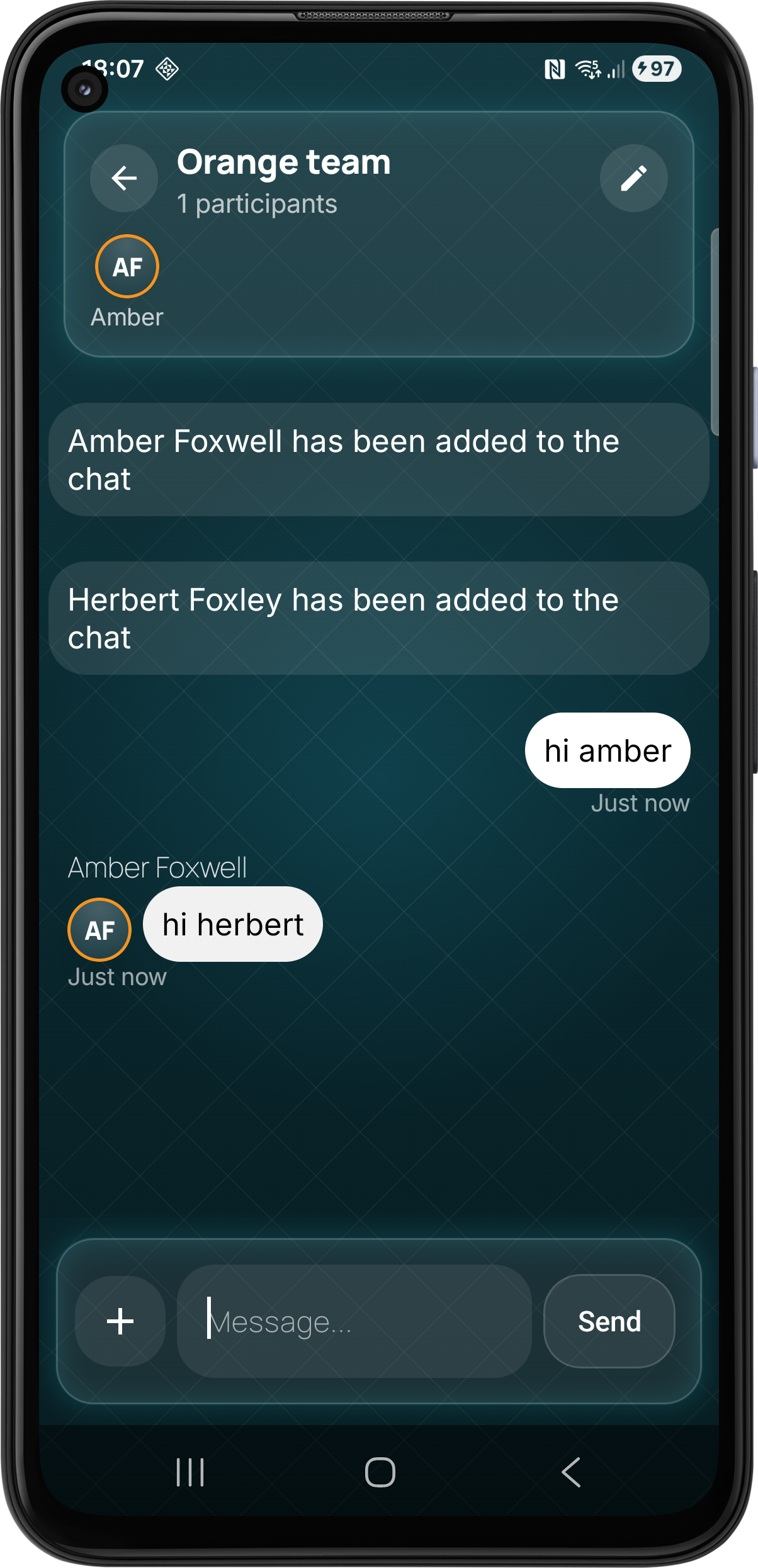
Use chat rooms to keep operational conversations connected to the team workspace.
The platform includes features that help users earn coins, stay engaged, request improvements and contact support directly from the menu.

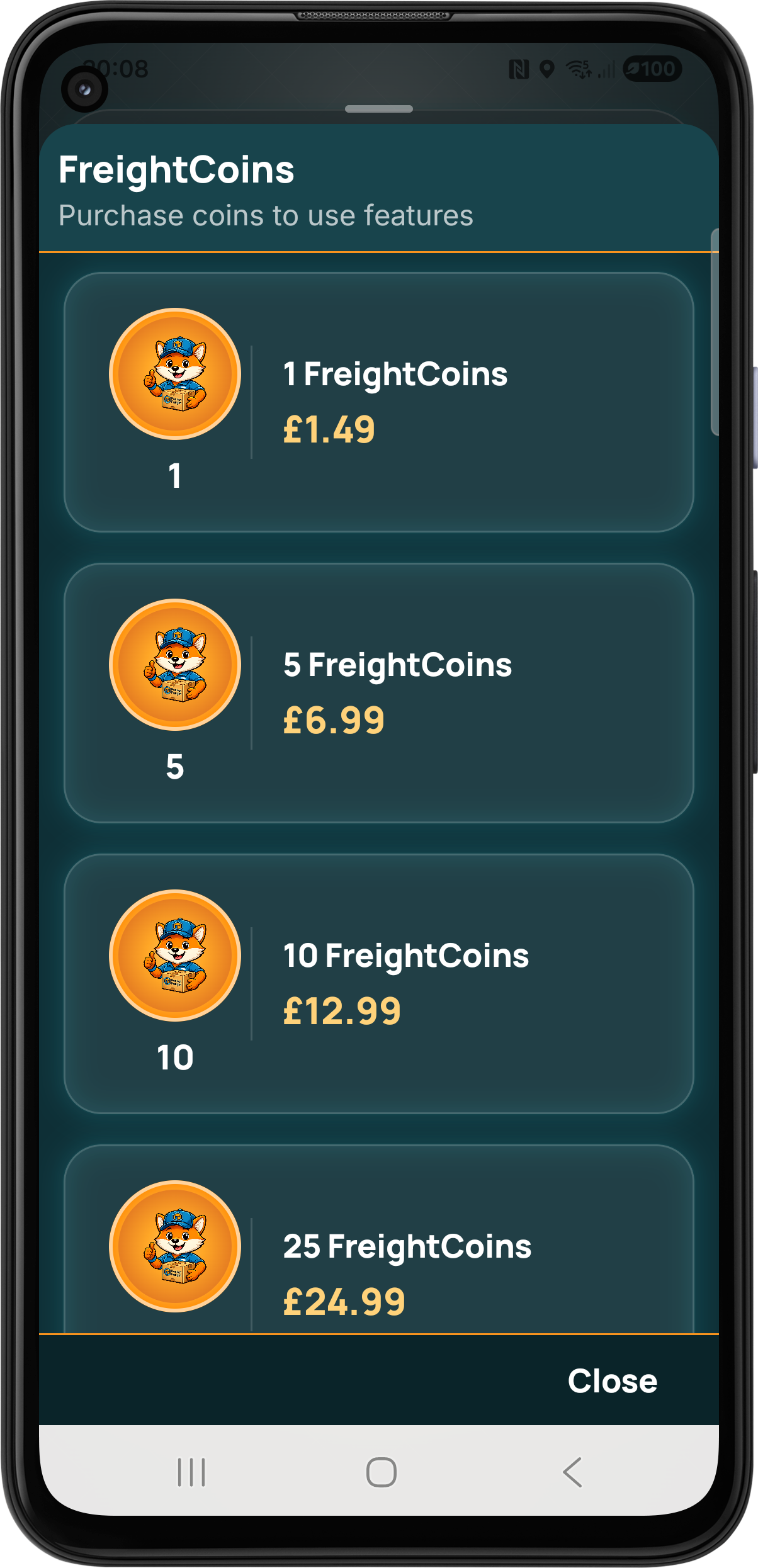
Users can purchase FreightCoins directly within the app to unlock features, actions and platform tools whenever needed.

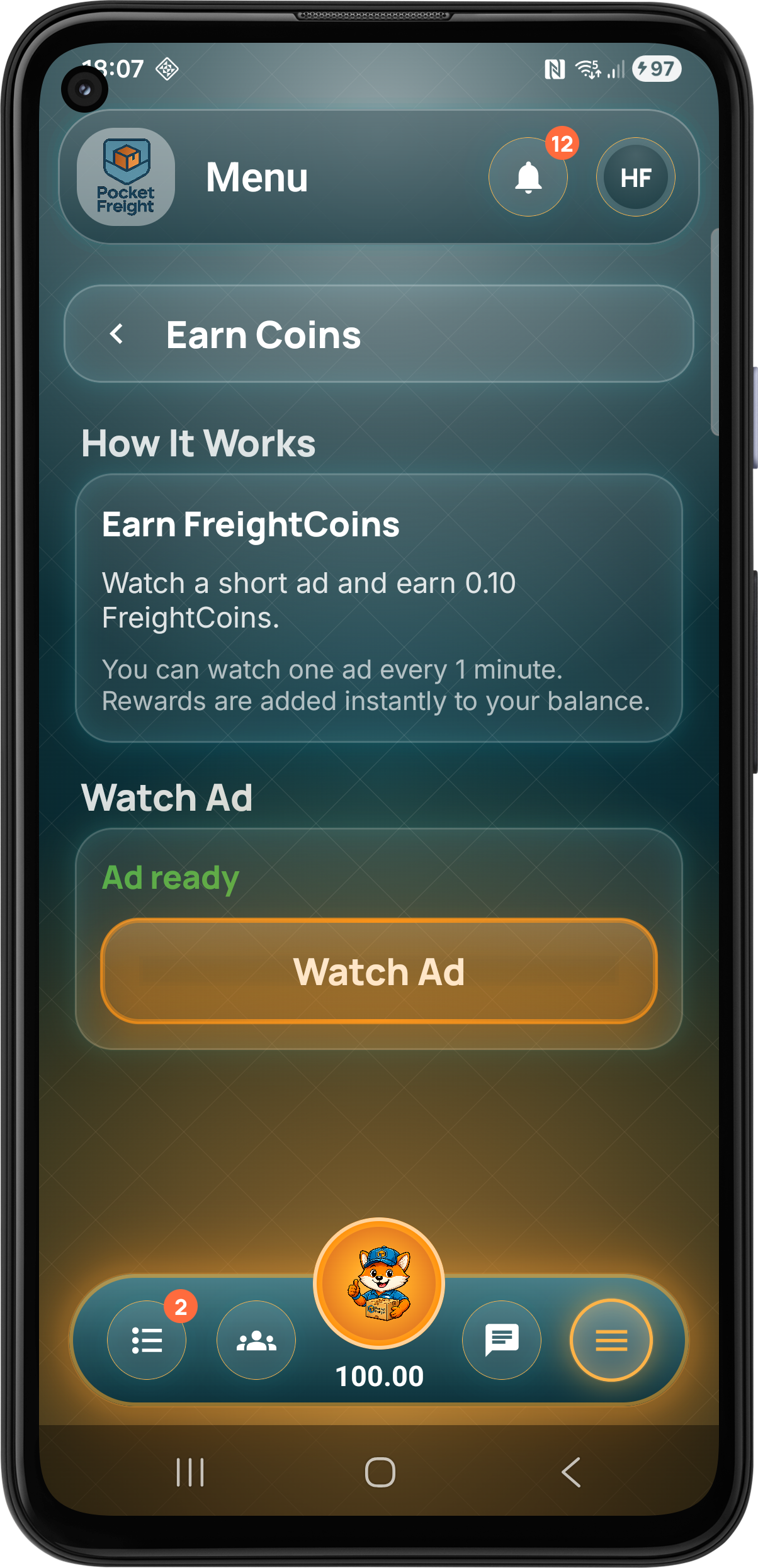
Users can earn FreightCoins through rewarded ads to help unlock actions within the platform.

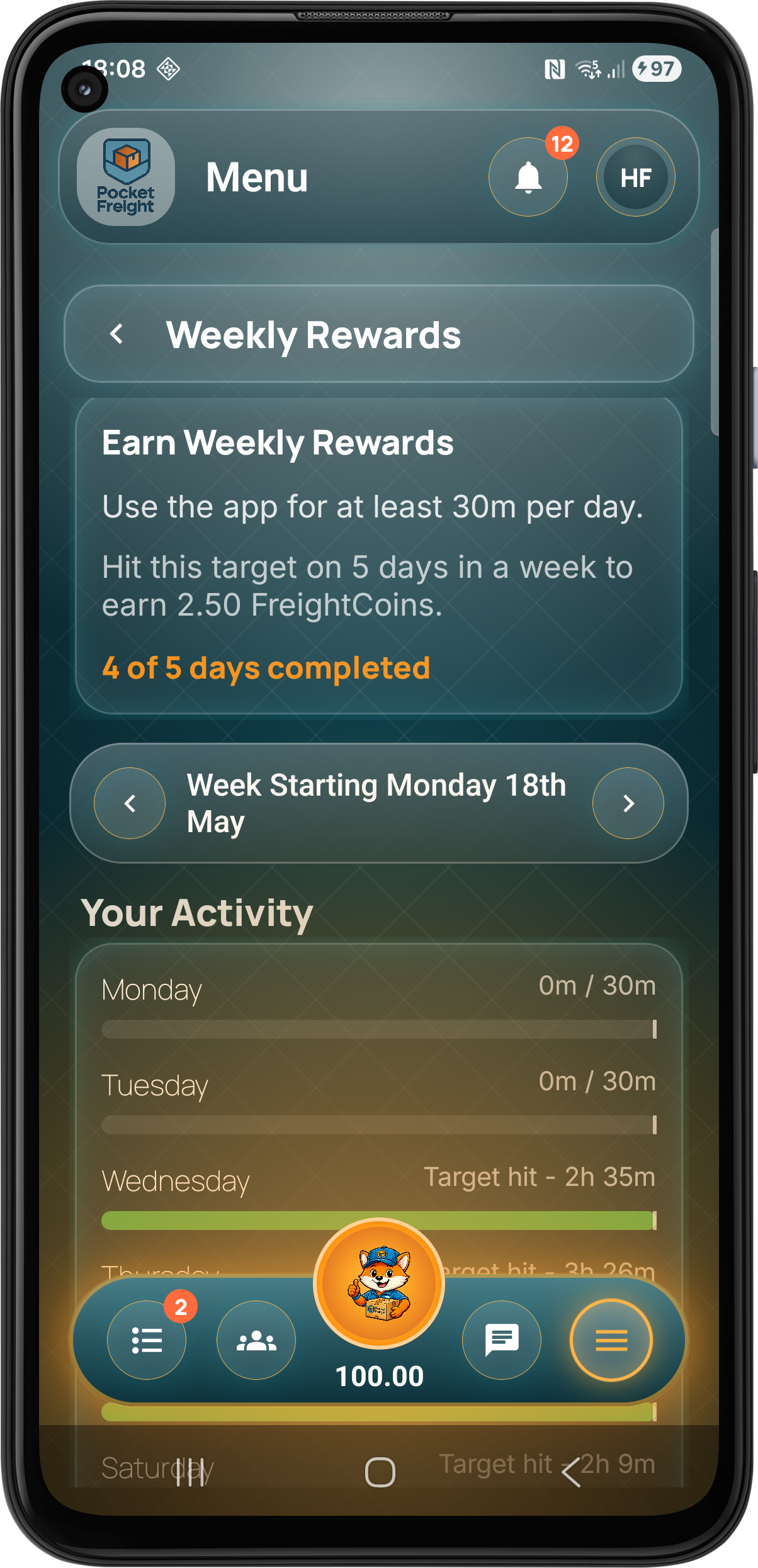
Weekly rewards encourage active usage and give users more ways to build their FreightCoin balance.

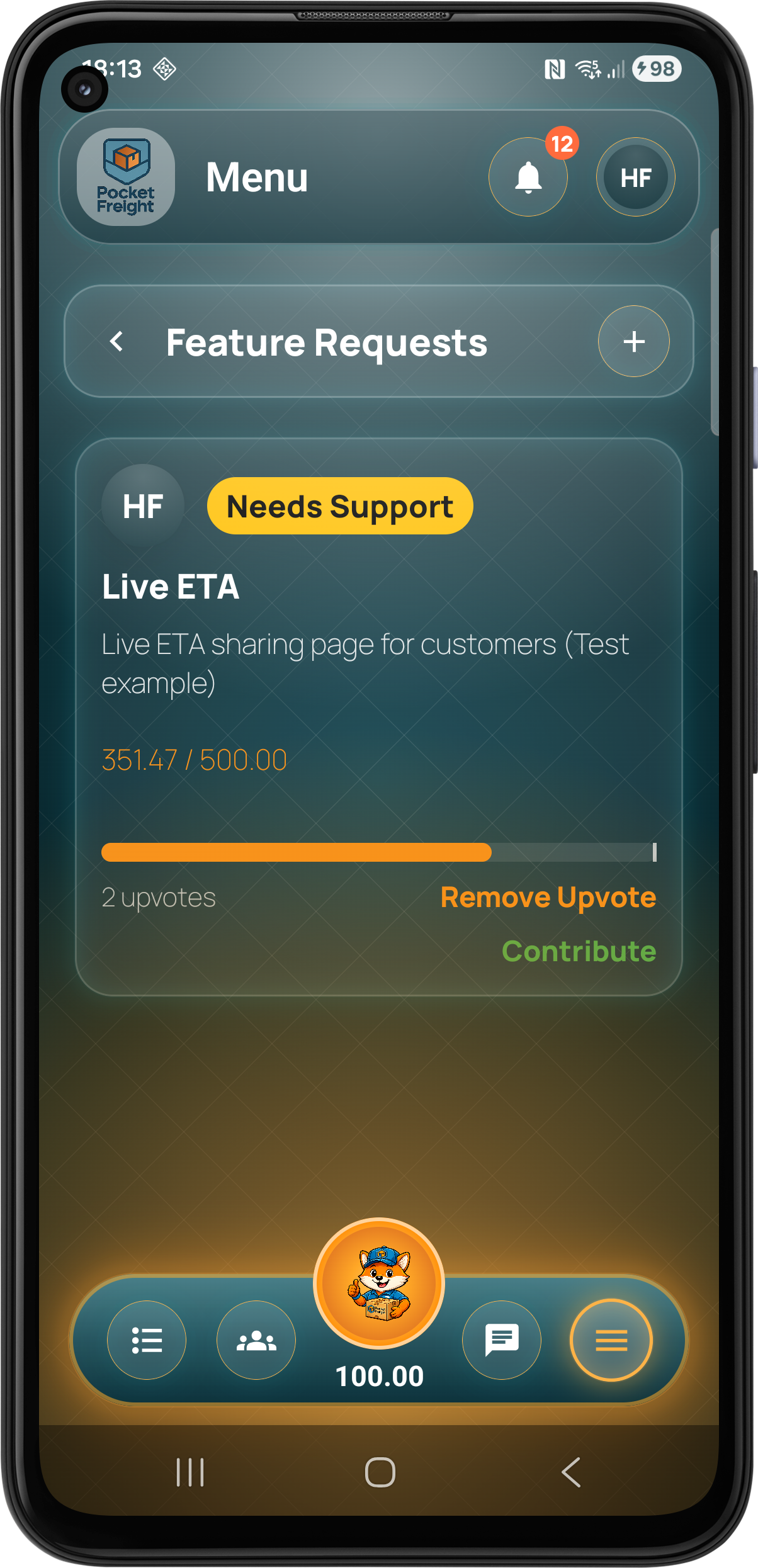
Users can request features so real operational feedback helps guide the platform as it grows.

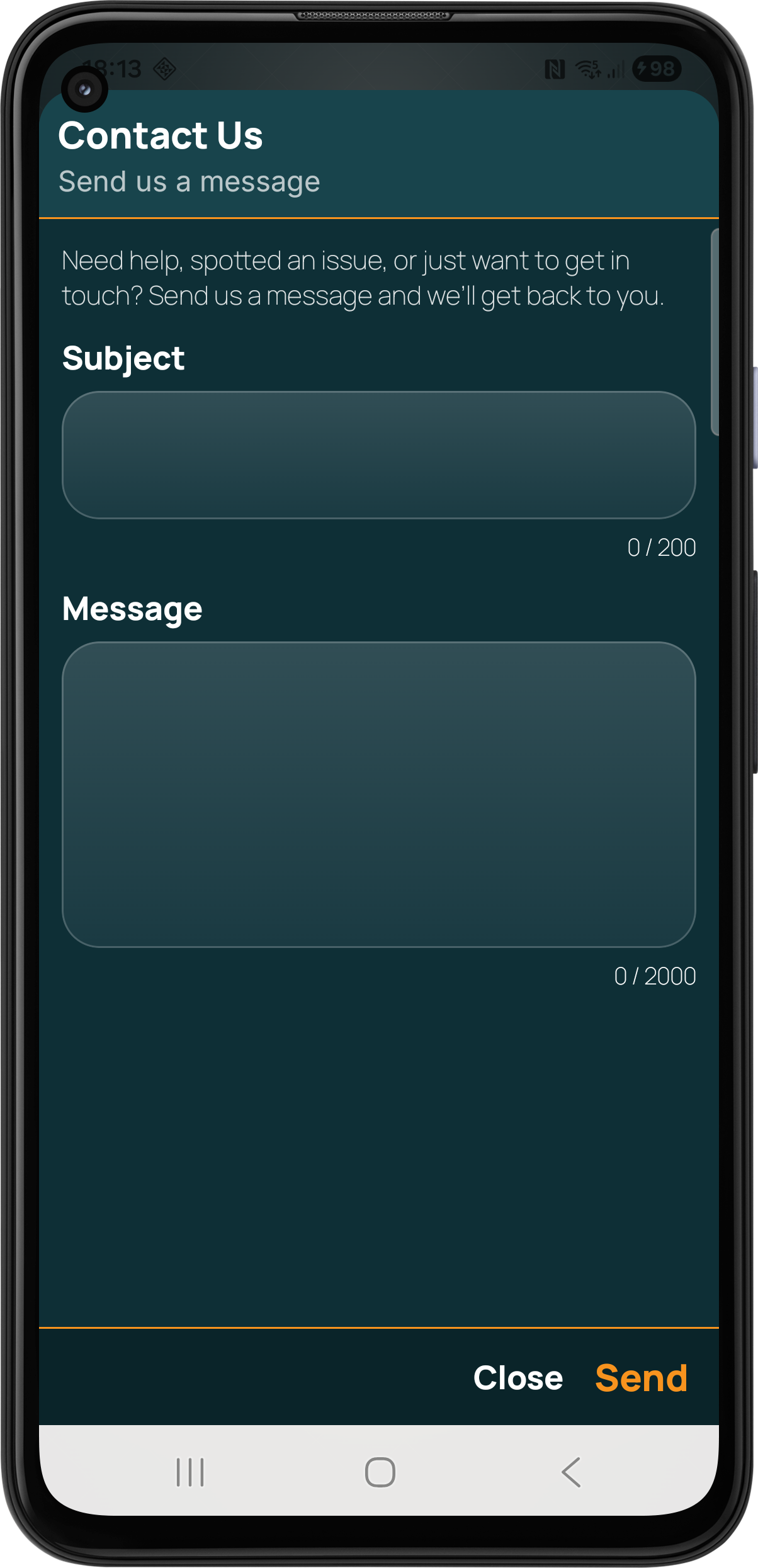
Users can report issues, send feedback and contact the team directly from the app menu.
Getting started is easier when your data comes with you. Use our bulk import workbook to bring customers, addresses, depots, products and more into Pocket Freight.
Get the Pocket Freight import workbook and fill in the sections that are relevant to your business.
Use a laptop, desktop, tablet or phone. Complete the workbook wherever it is easiest to manage your existing data.
Email the completed workbook to Pocket Freight support with your Team Reference so we can identify the right account.
Our team checks the workbook before importing your data and contacts you if anything needs confirming.
Android is live, iOS is in beta testing and the platform continues to improve through direct feedback from real transport, logistics and field service users.
Visit Pocket Freight